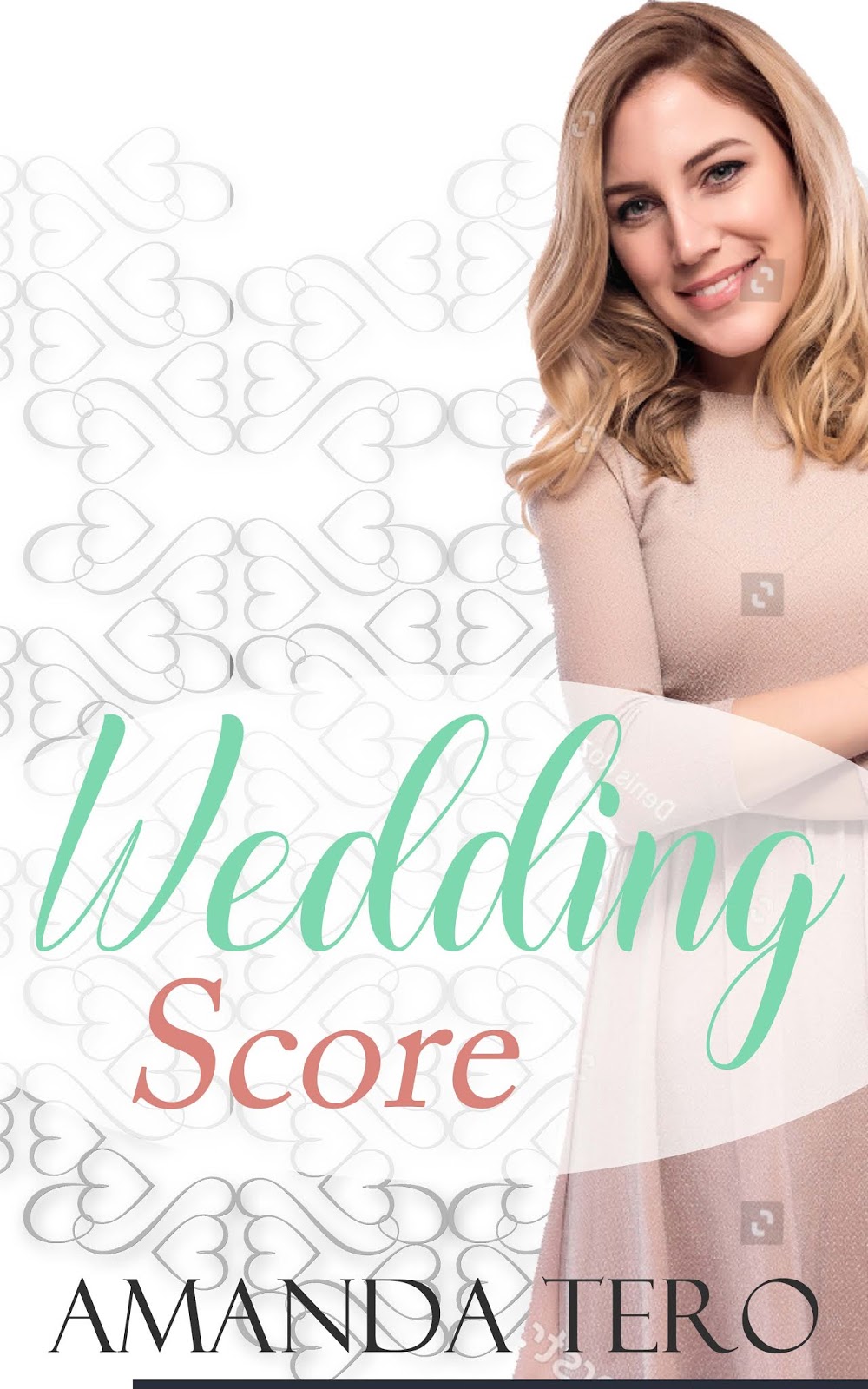
The Many Faces of "Wedding Score" | Behind-the-Scenes of Cover Design

You’ve probably heard me say it before: I love behind-the-scenes. Designing the cover of “Wedding Score” had a few in-process snippets that I deliberated, leading me to the final design.
#1 – Choosing Stephanie
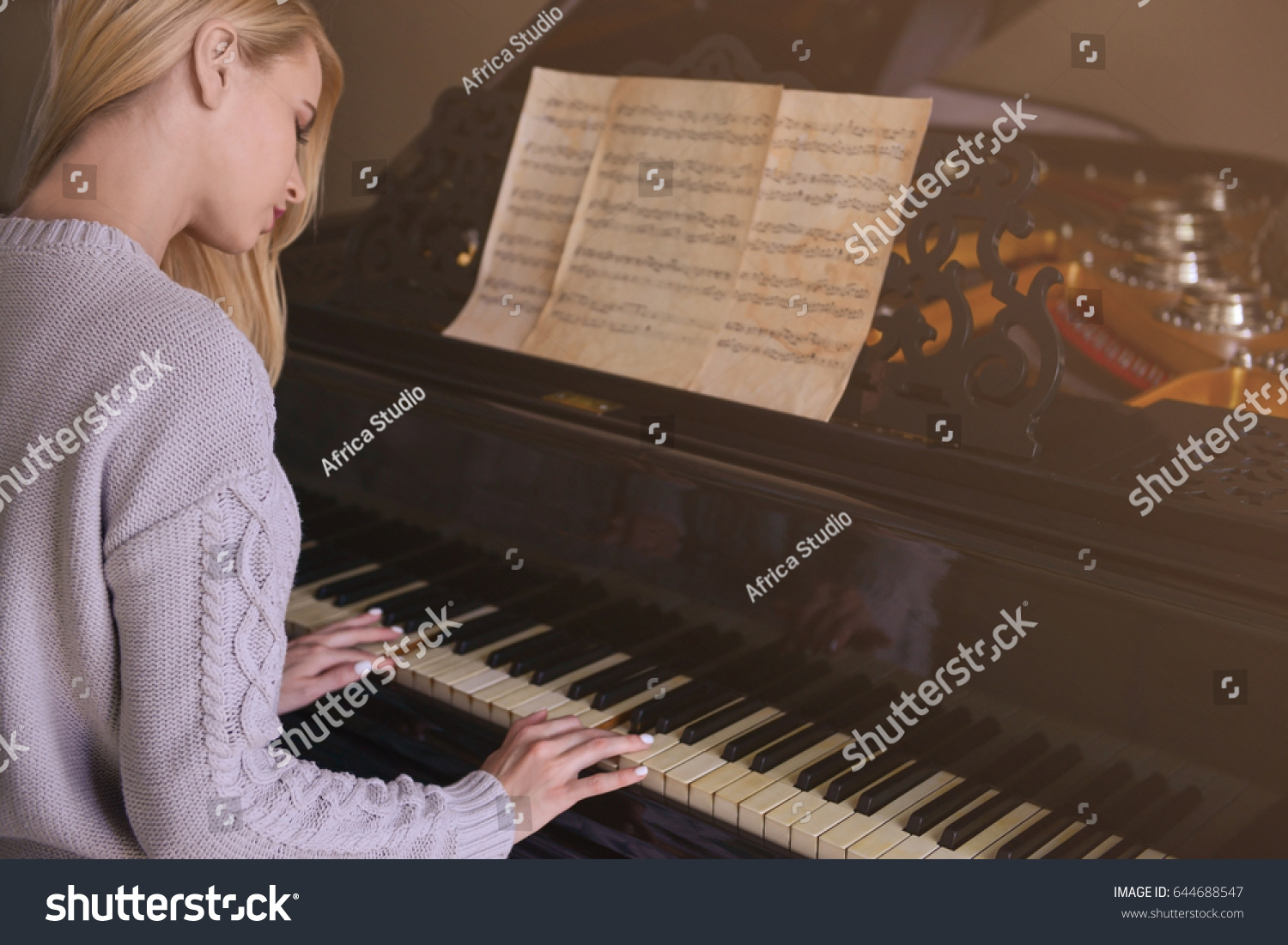
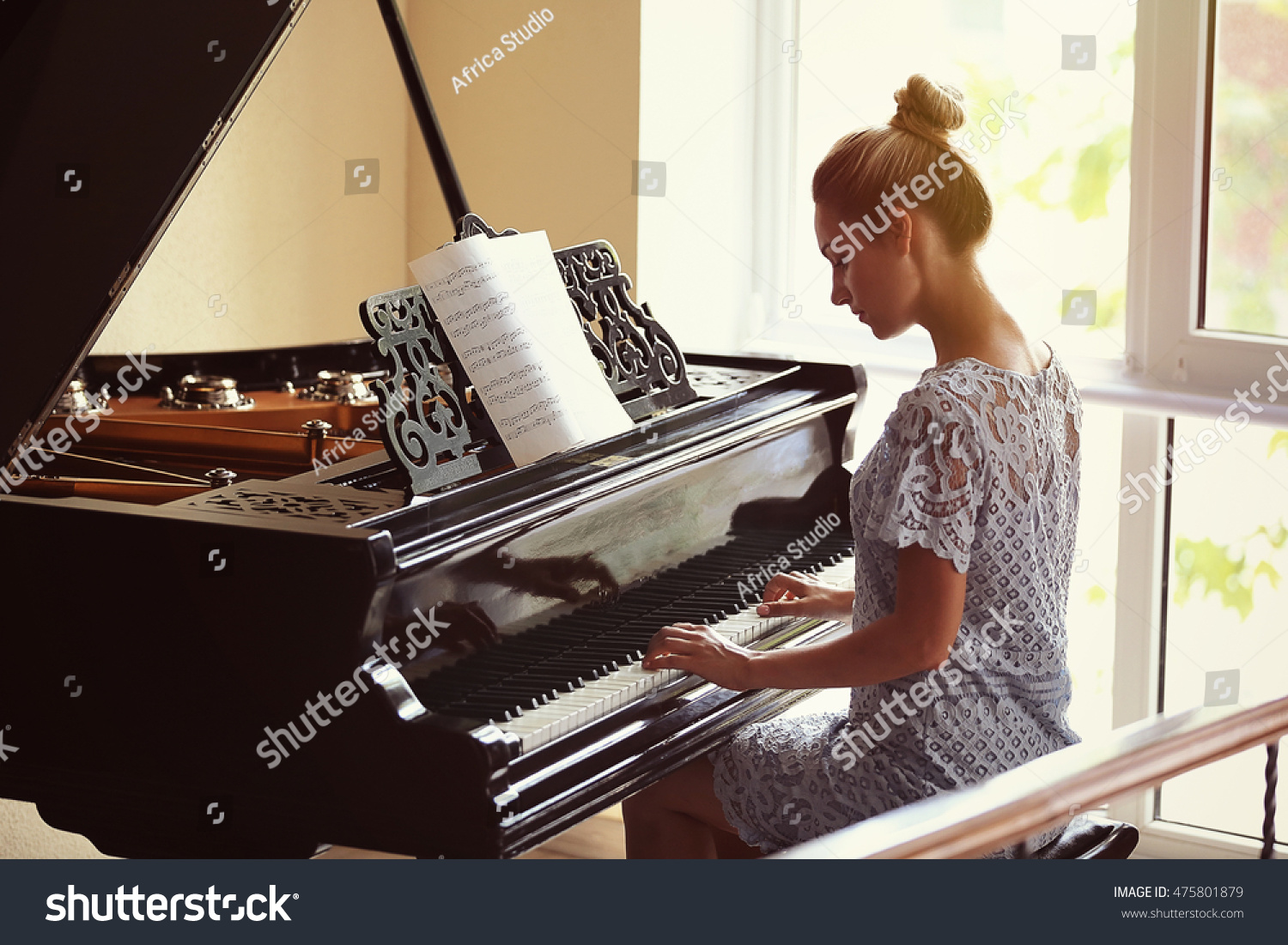
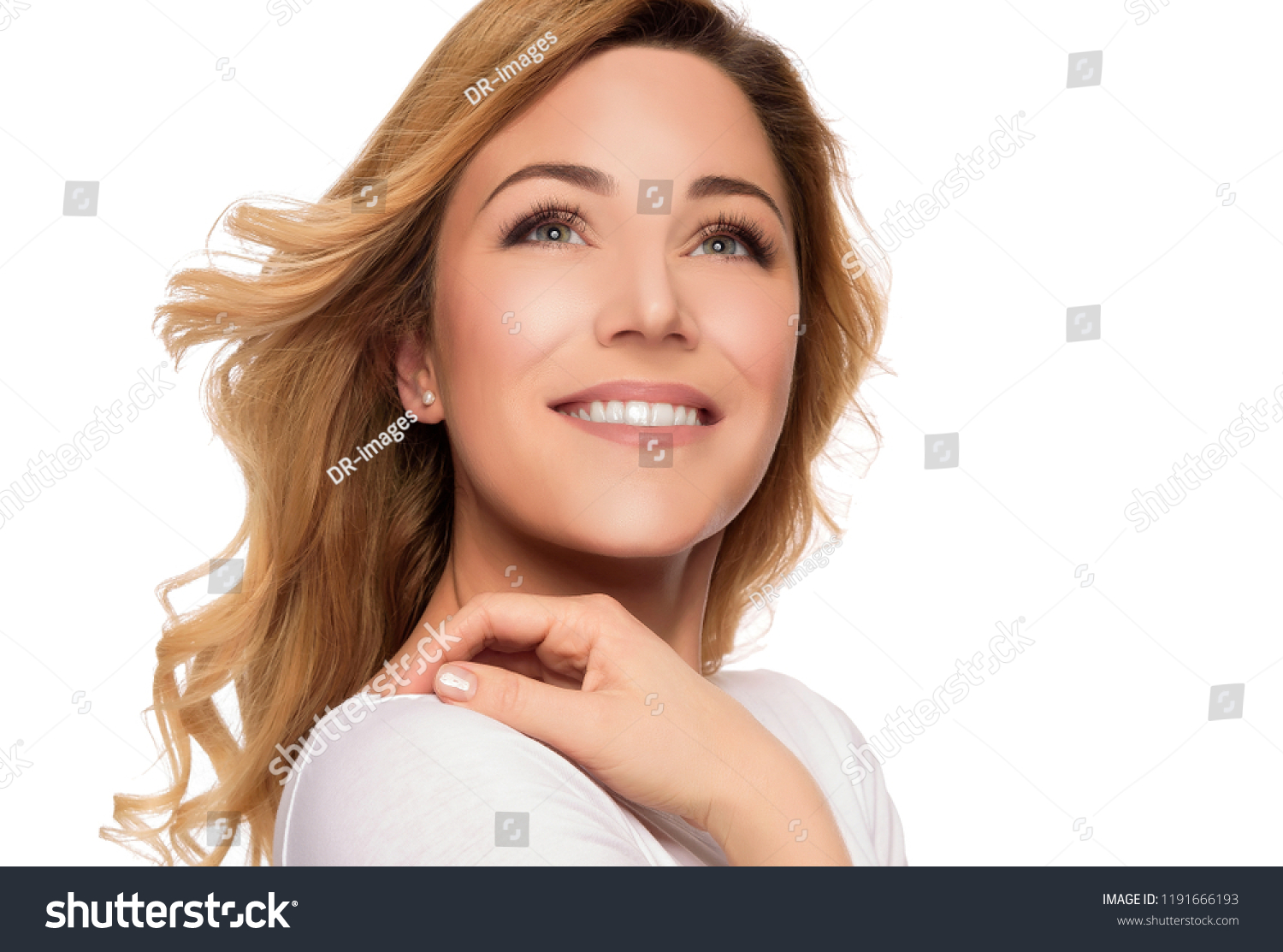
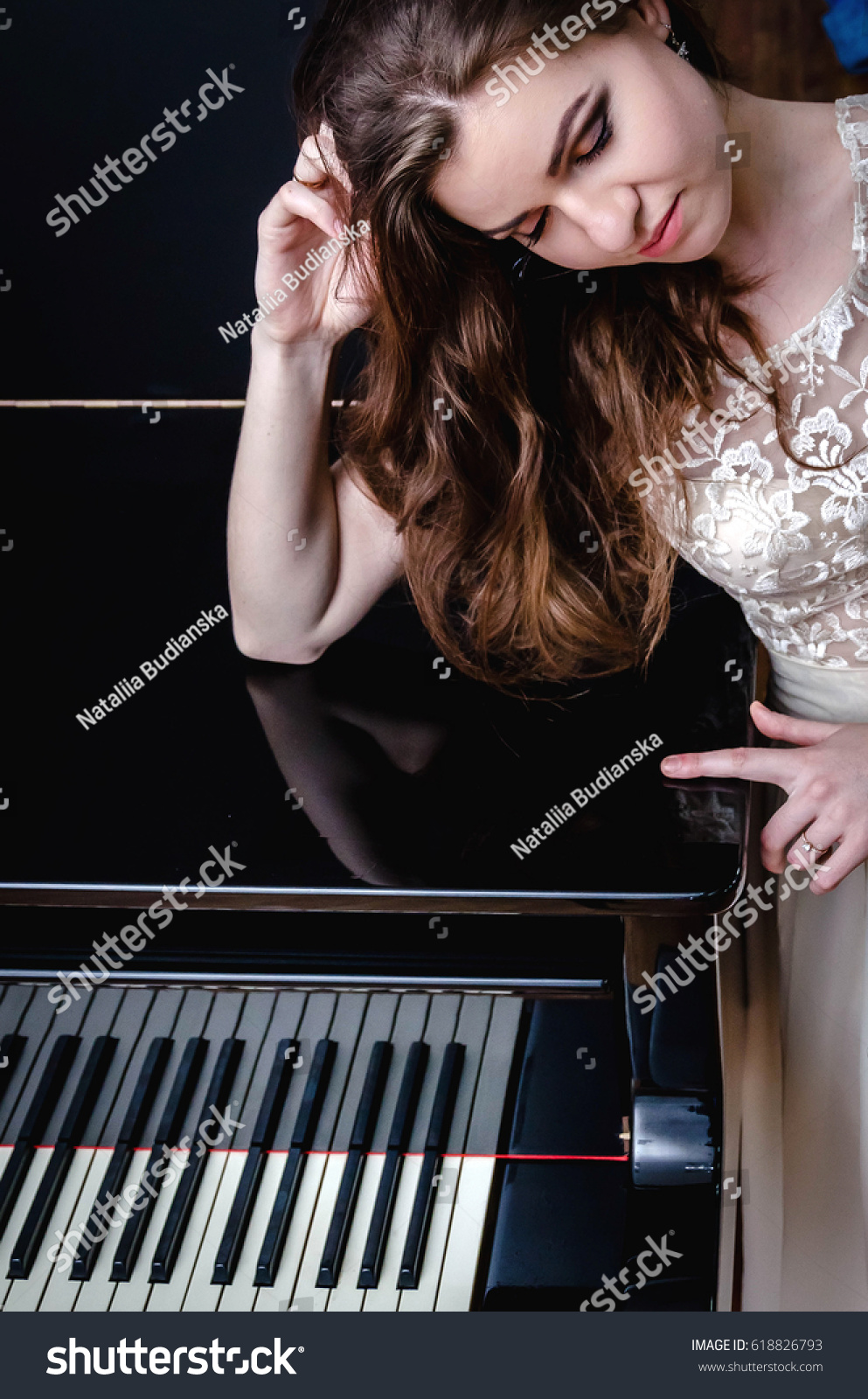
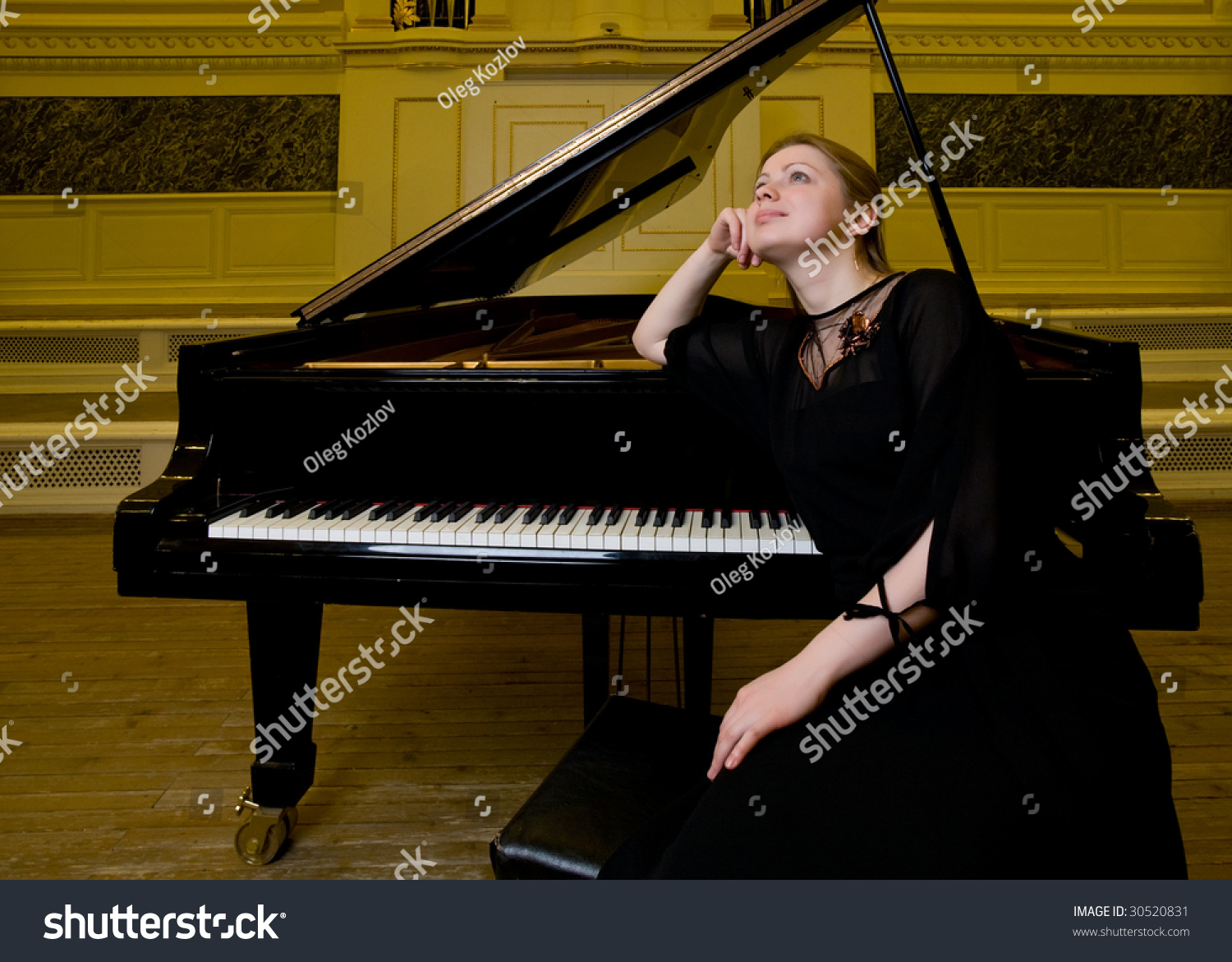
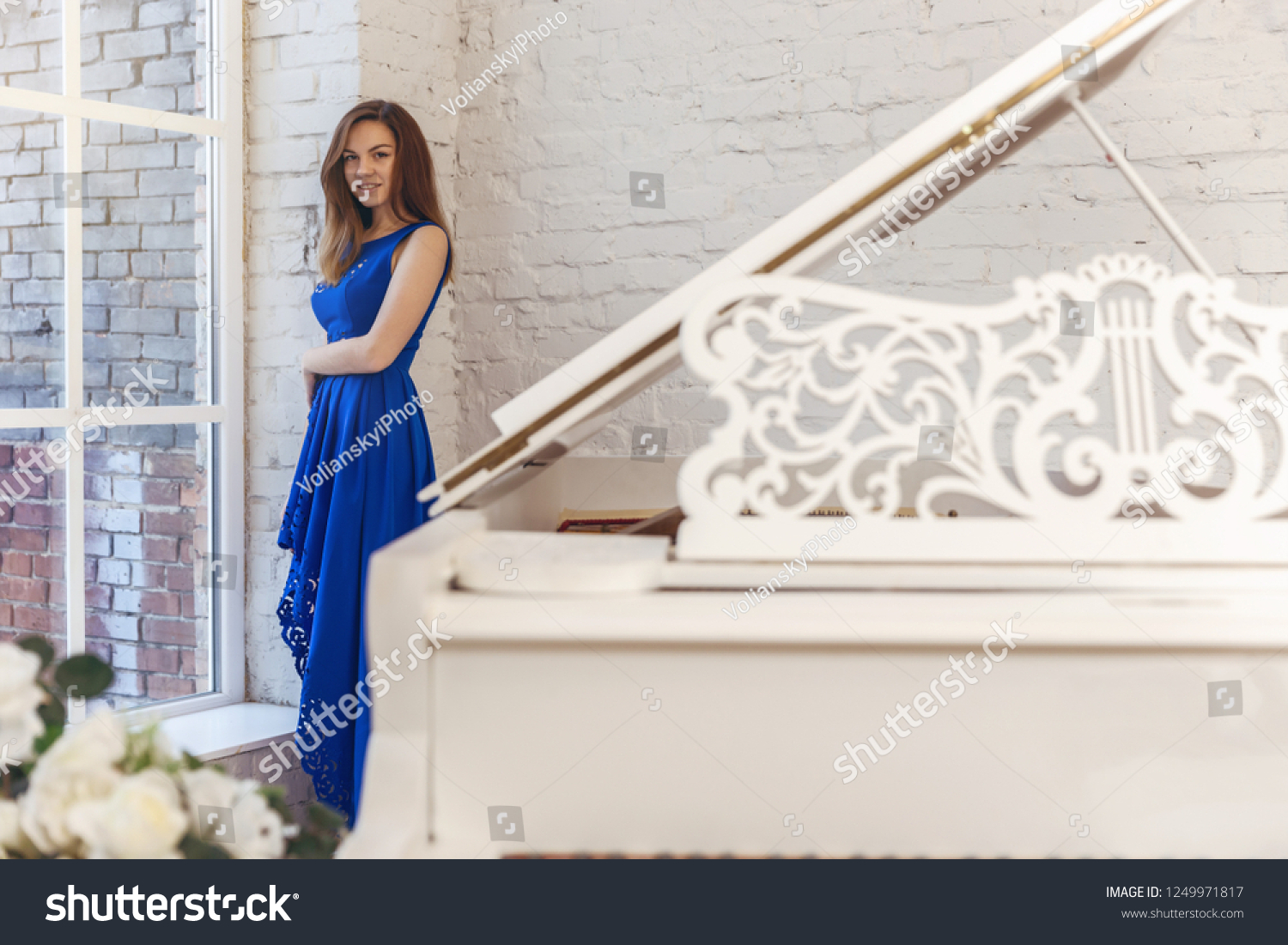
Choosing a model can be pretty tough. Especially if you’re a photographer and you just wish you could up and take a picture exactly how you want it (and yes… I ended up doing that anyway with the sheet music…). These are the models I considered for various reasons. At first, I really wanted to feature a piano on the cover, but I quickly realized that didn’t portray the concept I had in mind, so I had to scratch that one.

Tip to the designer: landscape crops are really difficult to work with. ๐Ÿ˜‰ “If they had just given me MORE PERSON to work with!!!” ๐Ÿ˜‰ย 
#2 – Background Color
Confession time: I think backgrounds are the most challenging for me. Fonts are okay. Once I find the cover model, it goes fairly well. But how to combine the text, model, and background? Yeah, that is usually challenging.

#3 – Positioning
Should Steph be the left or right side? Also, exactly how should the title be positioned? That’s what I was pondering at this stage.

#4 – Floating Music
I had this idea that I wanted, but getting it from imagination to cover had its challenges. First off, I searched for hours for sheet music to feature. Of course, I couldn’t find it. So, while I put that idea on hold, I shoved around a couple ideas.

What ended up happening was me taking pictures of my own sheet music suspended in air and editing that to fit in.

#5 – And repositioning
If you notice, I played a lot with the background fading from bottom to top or top to bottom. I actually still like this fade, but because I added the sheet music, the balance ended up being off.

ย ย 
#6 – And the Final
“Just like that,” I take you to the final cover I’ve been blasting all over social media. ๐Ÿ˜‰ I know every designer says their latest cover is their favorite, but I really, really do like the way this cover turned out and had some great pointers from different friends to help me capture my thoughts.


Weaving History into Fantasy | Blog Tour Stop at Author Abigail Harris

ย 
Letโ€™s be honest. When we think of the medieval age, we tend to romanticize it. I mean, who else gets these images in mind? (credit: all images from Pixabay)

This is more the style that I featured in my Tales of Faith series, but it’s not historically accurate. Read the full article over at Author Abigail Harris’s blog.

Deleted Scene: The Secret Slipper

There was one deleted scene in “The Secret Slipper” that I kind of liked. A lot. But it was in the first draft (read: when Raoul knew all along that Ellia was alive and had given up the search until a fresh lead came in; yep, there was a very good reason the story changed). I tried finding a place for it in the new edition, but it just wouldn’t fit. You will notice some of the thoughts made it into the final draft, but the scene in its entirety didn’t. I really liked the exchange of the unnamed woman and Raoul. Who knows? I may use it in another story. But it didn’t make it to Slipper.ย 
For the readers who’ve read “The Secret Slipper,” please note character changes from first draft:
Neleย is Nes
Galeย is Galienย 
Reynoldย is Jolin
Yeah. Characters changed a lot. ๐Ÿ˜‰ I was still trying to figure out who was who in my mind.
So…read along for my rough-draft deleted scene. Enjoy! ๐Ÿ™‚

~*~*~

It was like repeating a nightmare. He hadn’t come out to town to search, but he couldn’t keep his eyes off the groundโ€ฆor, to be more specific, observing the step pattern of every girl and young lady that passed by him.
What is the likelihood of childhood deformities healing themselves? The thought plagued him, just like it had years ago. His mind brought up all of the information that he had put away as soon as Belle had entered his life. But instead of urging him forward in his search, it haunted his every step. Solid, steady steps that his daughter may never have.
Gale walked up to Raoul. “M’lord, Reynold said you sent for me?”
Raoul scowled at him. “As if I would talk in public.”
“I beg your pardon, m’lord. Shall I call the carriage?”
“Aye.”
Raoul waited until they were settled in the plush cushions, with the curtains pulled shut before he leaned forward to begin the discussion. “We are going to Nele’s.”
Gale tilted his head. “Are you certain, m’lord?”
“Aye.”
“Will you reopen cases with all former servants?”
Raoul leaned back and let out a sigh. “I think not.”
“Why Nele?”
“He left before I could question him. I feel he could be hiding something.”
“As if he would speak now.” Gale crossed his legs and rested his hands on them. “May I ask why you requested me?”
“You know him. Reynold does not.”
“And you believe this shall help?”
“Aye. While I discuss, I would like for you to analyze him. You have a discerning eye. Is he telling the truth or not?”
Gale reached out his hand and pulled back the curtain, staring at the moving scenery. “And if he refuses to give any information?”
“Then we shall take the following step needed.”
The carriage fell silent and miles crept past. When it slowed to a stop, Raoul didn’t wait for the footman to dismount before he jumped to the ground. A row of ramshackle cottages cluttered the countryside.
“You are certain he’s here?”
“Silence, Gale. I asked you to accompany me, not question my methods.”
“Yes, m’lord.”
Raoul straightened and walked to the first house, displaying the authority he possessed. He stopped himself before pounding on the door. It would likely fall down under the force of his knocks. He tapped the doorframe.
“I didna’ ask for no company,” a harsh feminine voice called out.
“I have just one question,” Raoul said, putting a tight clip to his voice.
ย “The walls aren’t too thin to be asking out there. What is it?”
“Can you tell me which cottage belongs to Nele?”
A pause.
“That was my one question,” Raoul prompted.
“Five houses yonder. If he’s home.”
“And if he’s not home?”
“Your one question is spent up.”
Raoul spun away from the door, barely hearing Gale give the lady a thank you for him. At the cottage a few steps away, Raoul gave the same gentle tap. No answer.
“Nele. Are you in there?”
“Nay. I’m out here like a good working man ought to be.”
Raoul turned to the voice.
“If it isn’t the good ol’ Lord Kiralyn.”
“Aye.”
“My services are no longer due to you.”
“I would agree to a certain extent.”
Nele’s eyebrows lowered, their bushiness almost hiding his eyes. “What d’ye want?
“I have a few questions, Nele.”
Nele lifted the bucket he had apparently set down before. “I haven’t a few answers, Kiralyn.” He stared boldly at Raoul.
“Well then answer what you can.” Raoul didn’t move his glare from Nele. “You left the palace suddenly–“
“That is an accusation, not a question.”
Raoul ground his teeth and clenched his fists. “You interrupted.”
Nele opened his mouth in a toothless grin. “Continue, m’lord.
“Just one day after you left, Ellia disappeared. Did you know this?”
Nele shut his mouth, his eyes darkening with a scowl. “If you came to accuse me of taking your precious wee one, nay, I didn’t. Nor did I see anything.”
“But what do you know?”
ย Nele pushed past Raoul and opened his door. “I know that you are a desperate man because of the time you think you have lost.”
Raoul reached out and blocked the entryway with his arm. Nele was a good head shorter than him, yet he stood tall. Never intimidated, that man.
“I will say nothing more. Your time here is wasted, Kiralyn.”
“You understand I have power if I discover you to be lying.”

“Aye.” Nele reached out and removed Raoul’s hand from the door frame. He brought his bucket inside and turned to shut the door. “If you discover it.”

Behind the Cover and More | The Secret Slipper

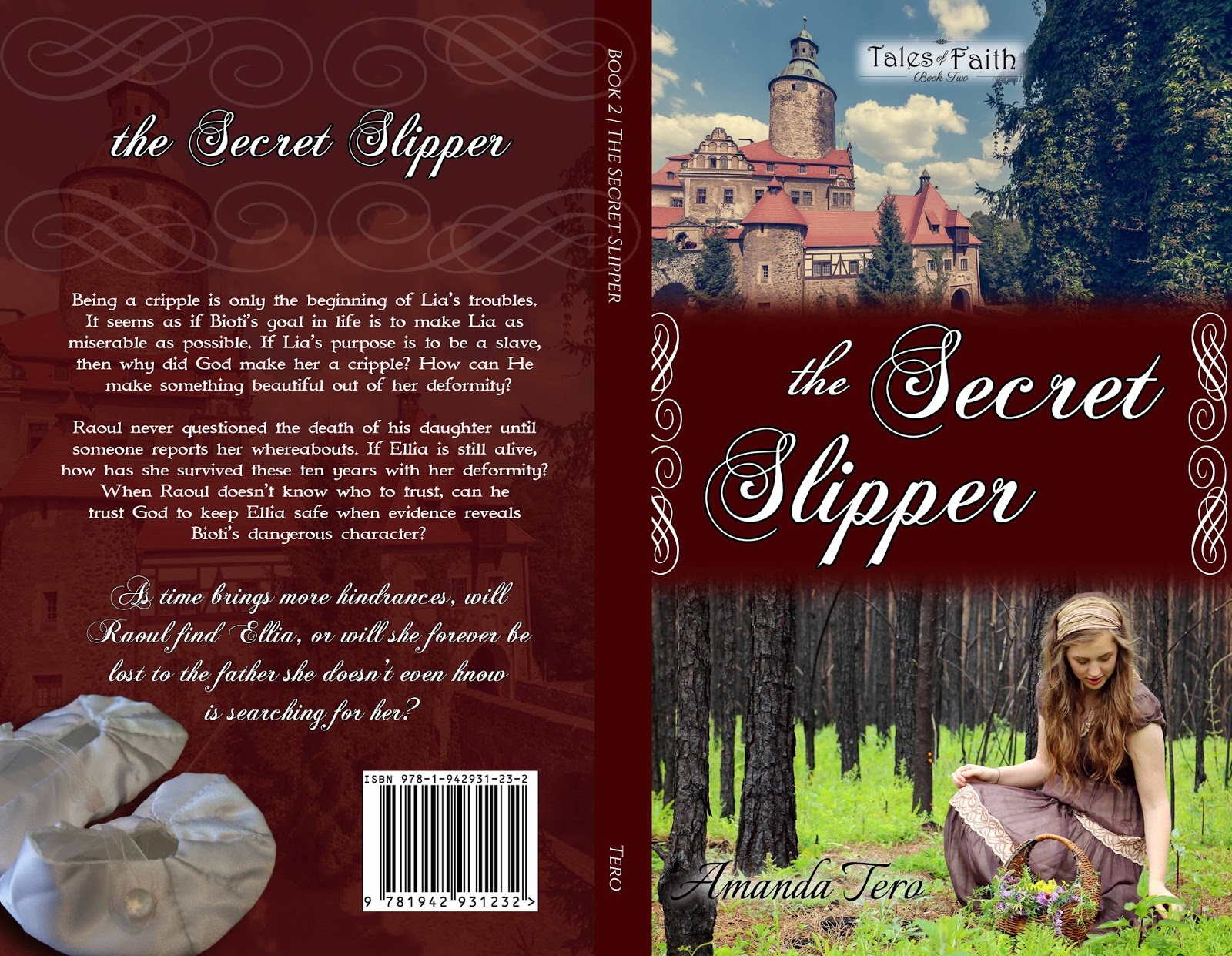
Book covers. I remember the days when I would get a CBD catalog in and flip through the pages slowly…admiring covers (and critiquing the ones I thought needed help, let’s be honest). I really didn’t see cover designing in my future, but as God has graciously helped me in figuring things out, that’s one of the things I do.
Now, for the cover of “The Secret Slipper.”
If you didn’t notice, I took the same formatting as “Befriending the Beast” (I mean, it’s a series).
For “Befriending the Beast,” I used royalty free images (meaning you have license to use them, but they’re more or less stock images). When it came to Slipper, I had just gotten the idea when my friend with SunKissed Photography posted a “throw-back picture” she had done. And I was like, “YES! That’s it! That’s the one!” Elizabeth and her model graciously allowed me the use of her photograph. The cover would not be the same without it.
Then the back cover also has a mention:
Do you see that carefully-crafted deformed slipper? ๐Ÿ˜€ :D: D I have an amazing friend. Really, I do. Not only does she read through my drafts and give wonderful input, but also… a week before I wanted the cover done, I mentioned, “I really wanted slippers for the cover, but I can’t find what I have in mind.” Three days later, the slippers were mailed to me. Emily’s got talent, y’all. In fact, she’s got an Etsy shop for her sewing–if you ever need something custom-made, she’s wonderful.
That concludes the cover.ย 

Since I’m acknowledging behind-the-scenes people, I figured I’d continue with the acknowledgements. These you can find the back of “The Secret Slipper,” but I’d like to acknowledge them publicly and HERE you get to have links so you can check these amazing people out yourself (I may forget a link or two or don’t know them all; so sorry)!

~*~*~*~

Author’s Note

It is all the fault of my author-friend, A.M. Heath. Not long after โ€œBefriending the Beastโ€ released, she messaged me, โ€œHave you ever thought of doing a Cinderella story, where the prince is the father?โ€ I stayed up until midnight with my mind churning the what-ifs. I think I got the title before I really solidified an idea. โ€œThe Secret Slipperโ€ has had many firsts for me: writing from two perspectives, writing as a married character, and having an active antagonist to mention a few. I have not enjoyed every moment of writing, re-writing, editing, and learning, but looking back, it is something I wouldnโ€™t want to trade, for I have learned so much!
Now for thanksโ€ฆthese are getting harder and harder to write, as there seems to be so many who offer their assistance.
Anita โ€“ like I said, this was your fault. ๐Ÿ˜‰ Thank you so much for being my writing mentor and selflessly offering your brain and expertise to help me! My writing has grown from your friendship.
Faith โ€“ youโ€™ve been my accountability writing partner for the process of this story. Youโ€™ve helped me to stay on my toes, and Iโ€™m grateful!
Kenzi โ€“ how many times have you read my manuscript? Just as many times as I have, I do believe. I donโ€™t think you know just how much I appreciate your prayers, encouragement, and suggestions with my many projects.
Elizabeth (SunKissed Photography) โ€“ the picture of Lia! I am so honored to use your photography for my book cover, and grateful for you allowing me to use it (and thanks to Rachel W., the subject).
Mom โ€“ the years of red pen seem to have finally paid off! Thank you for your unending encouragement in my writing.
My Family โ€“ thanks for bearing with me as I talked about my characters and ideas and everything. Your support means so much!
My FaceBook Street Team โ€“ thanks for letting me flood your newsfeed on my writing days with questions, thoughts, and prayer requests! Yโ€™all are an amazing support!
To those who read my pathetic and very needy first-draft: Katie, Janell, Rachel, Anita, Kenzi, and Aimee. Thanks for your suggestions and input. You always make me think twice as I edit, and I need that! Special thanks to Katie and Rachel, who also read this manuscript multiple times. Yโ€™all are amazing!
My beta-readers: Faith, Olivia, Jesseca, Kellyn, Hannah, AnneMarie, Liberty Baehr, Liberty Bluebelle, Alicia, Marlene, Darcy, Hanna, Esther, Joanna, Naomi, Emily…your help was wonderful! I know that this Slipper shines because of your input!
Again, my heart is overflowing with gratitude to my Lord Jesus Christ. Not only does He supply ideas for new stories, He is also faithful to give me wisdom for every place I have questions. To Him belongs all glory and honor, for without Him, I am nothing.
And to you, my reader, thank you. Unless you are also an author, you likely do not know how encouraging it is for me to have you reading my book and leaving your reviews! Thank you.

Creating a Watermark in Photoshop Elements

Last week, we saw how to create a simple watermark in Adobe Lightroom. Using Photoshop is a little more complex but (in my opinion) is worth the better effects!

First, create a blank file (I did 4×6″).

Next, just for the ease of visuality, I colored the background.

Now it’s time for text! Find a text that you enjoy and that captures the genre of your photography.

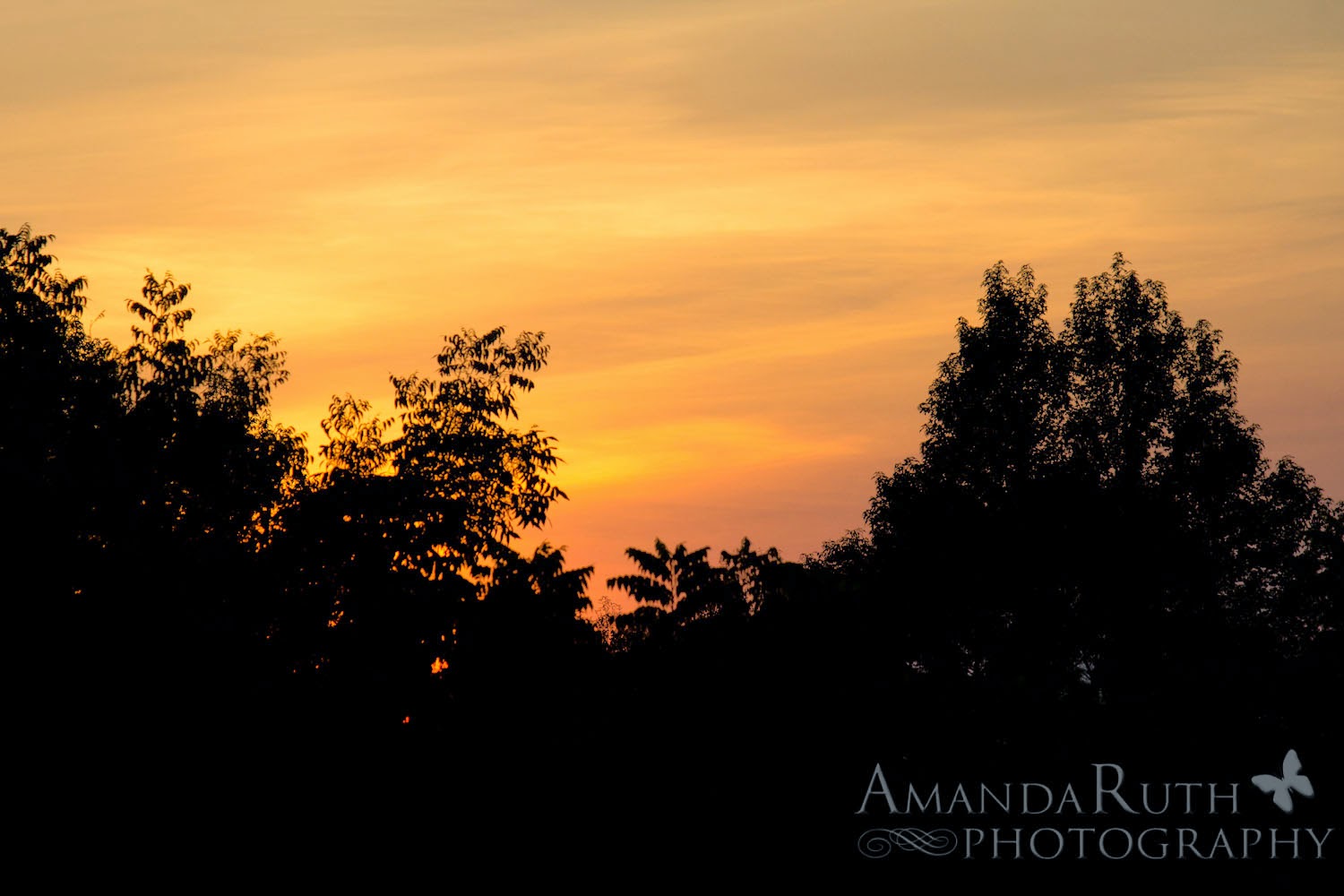
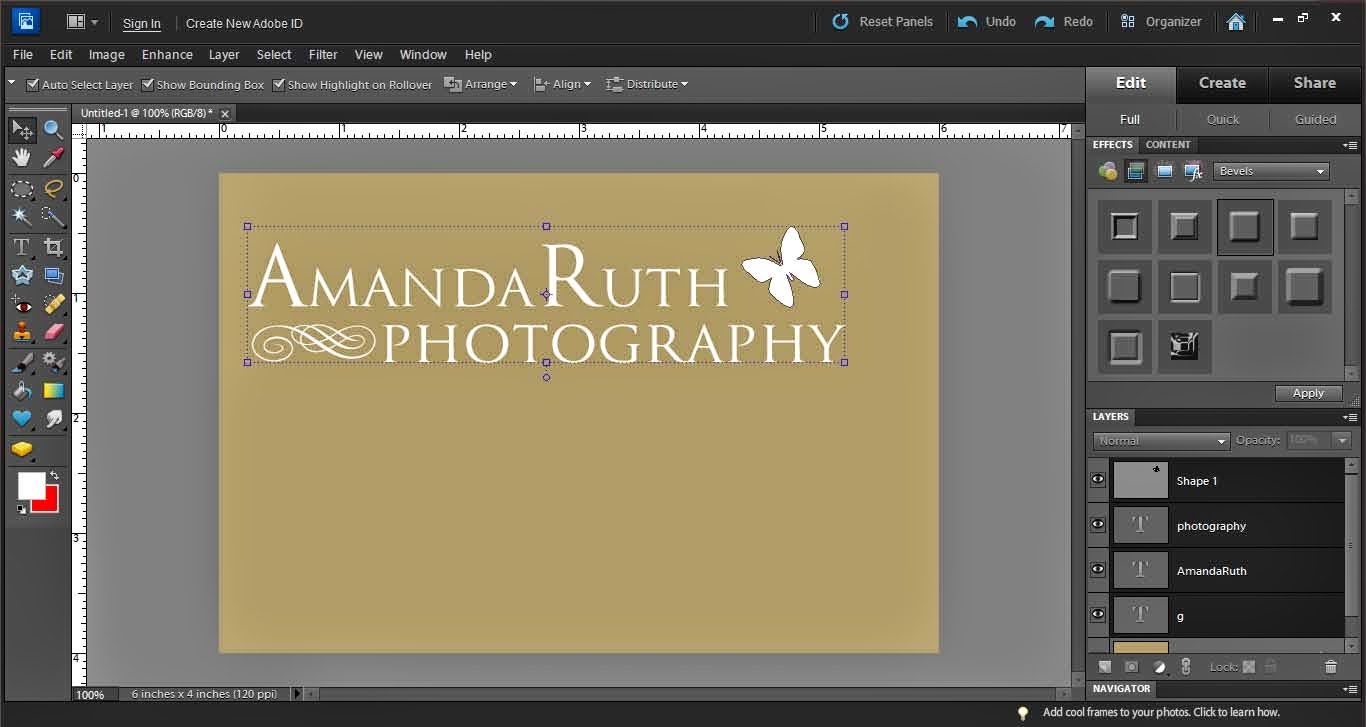
If you like, add some extra little elements. I added a butterfly (with the elements shapes) and a swirl (using the text Nymphette) to create a fun, cute logo.

This will give you a few layers (see bottom right corner). Select all of your logo layers.

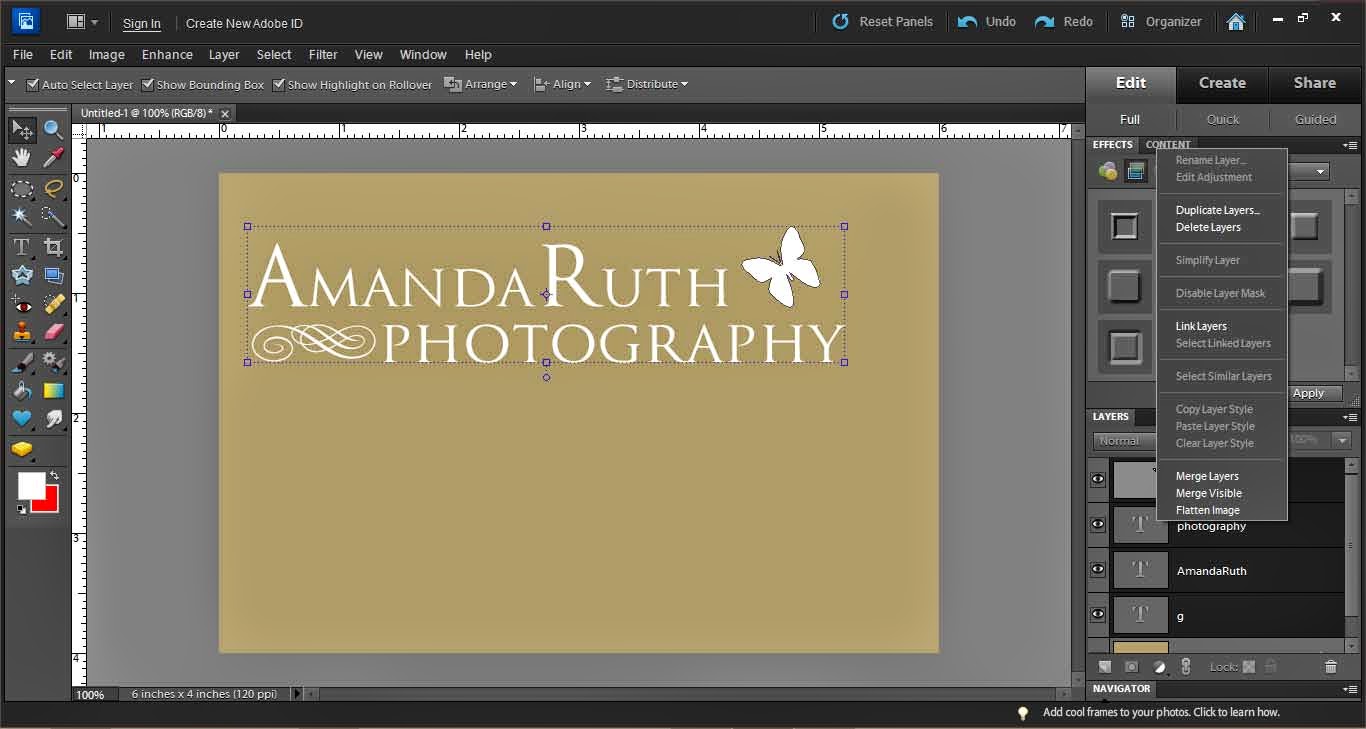
Right click and select “Merge Layers” (or press ctrl+E). This will pull all of your layers together so that you will not accidentally select only part of your logo.

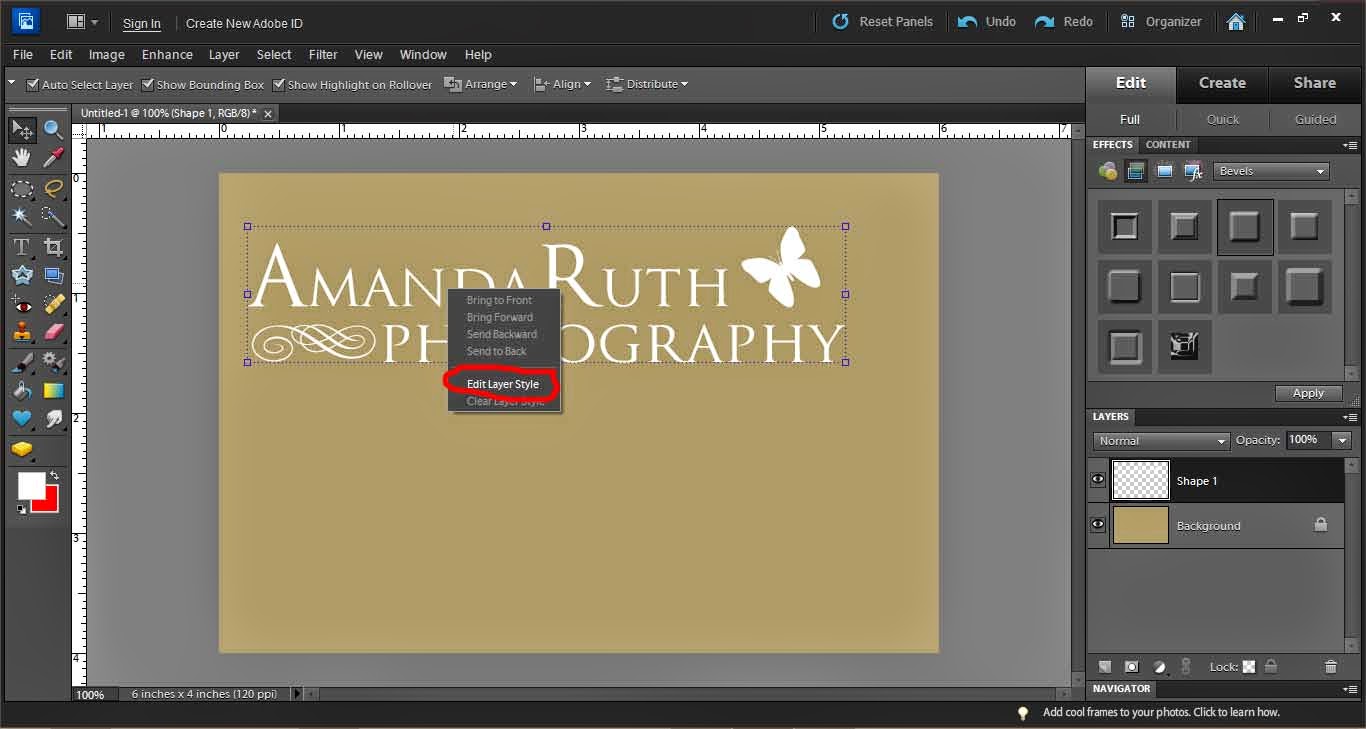
With your logo selected, use the move tool (on the left it is the top left option – image of the cursor and “plus”). Right click on top of your logo and select “Edit layer styles.”

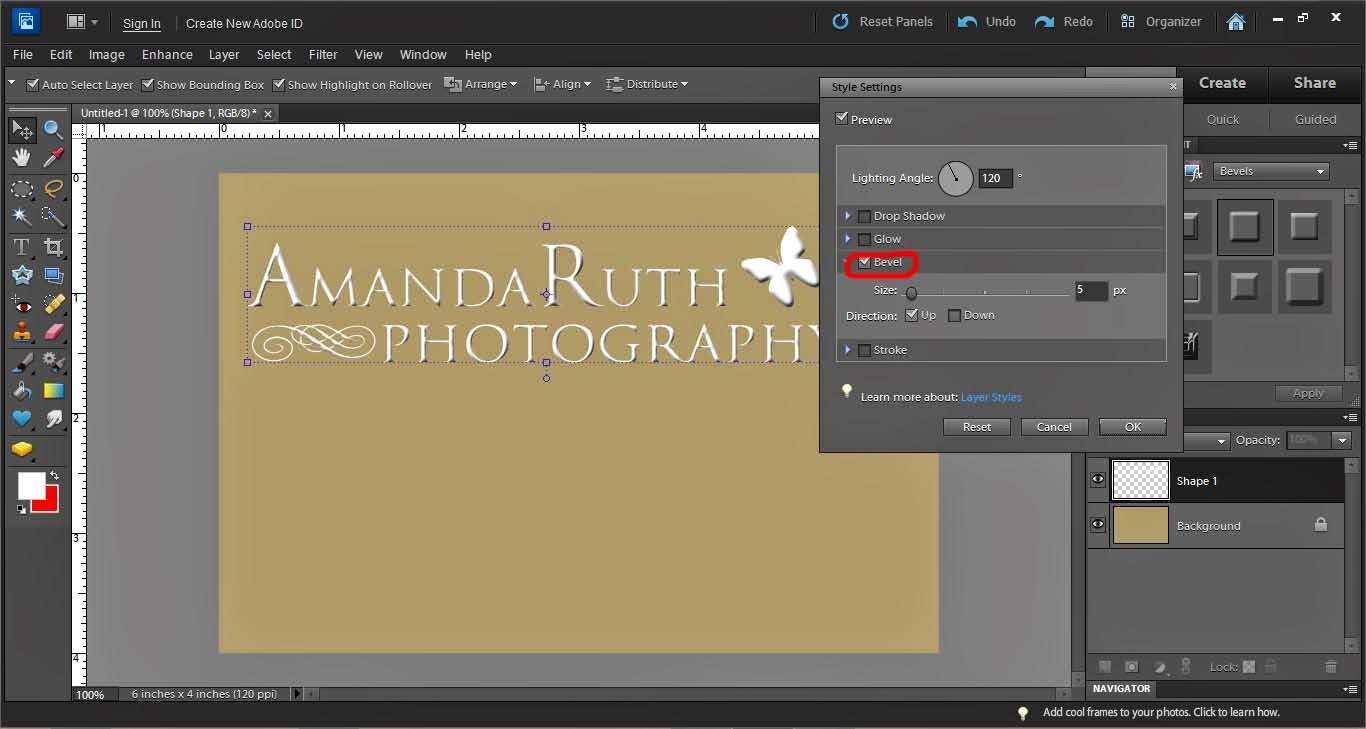
A new window will pop up.

Select “Bevel.” It automatically will give you a 5px bevel. I usually like this option so select “okay” when done.

Now, lower the opacity of your logo so that it is translucent. I selected 25% opacity.

From here, you can drag the logo from your workspace directly onto a photograph in Photoshop.

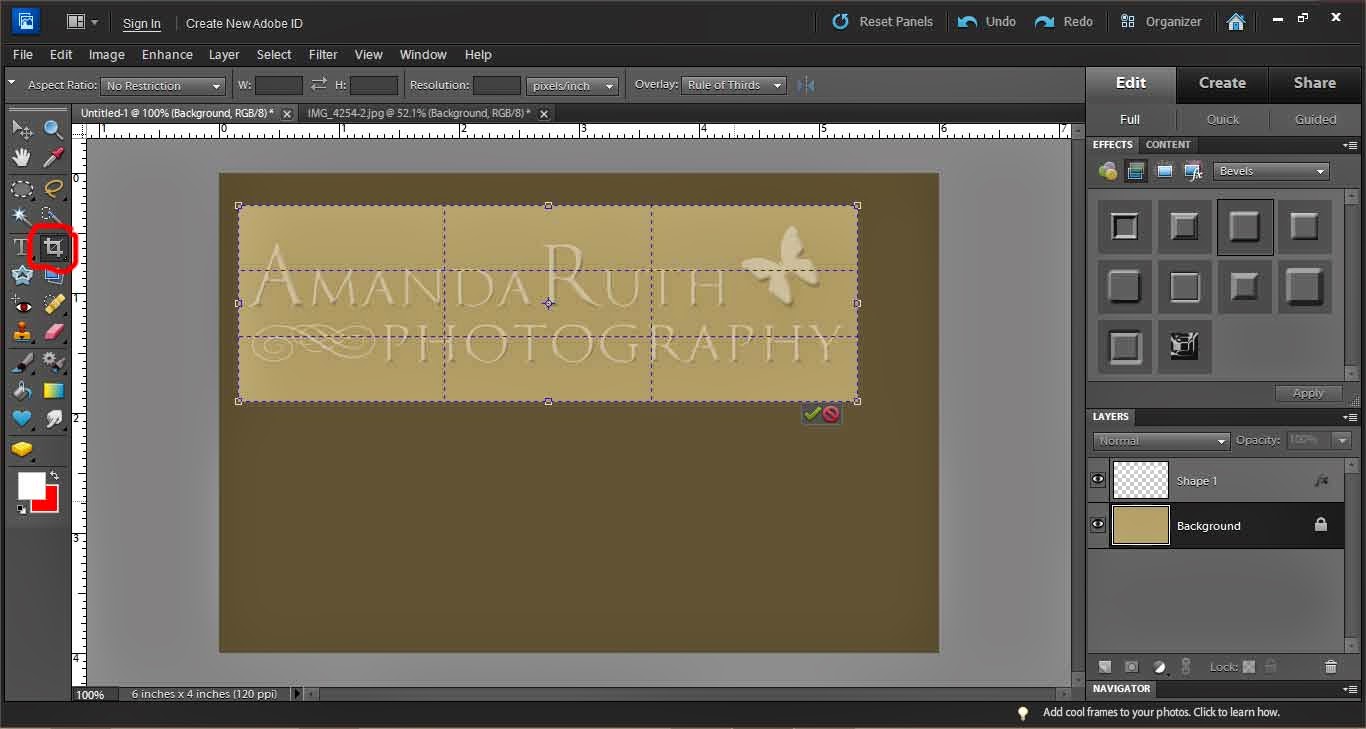
Another option is to prepare your logo to be used in Lightroom. First, crop the logo so that there is little excess space around the edges.

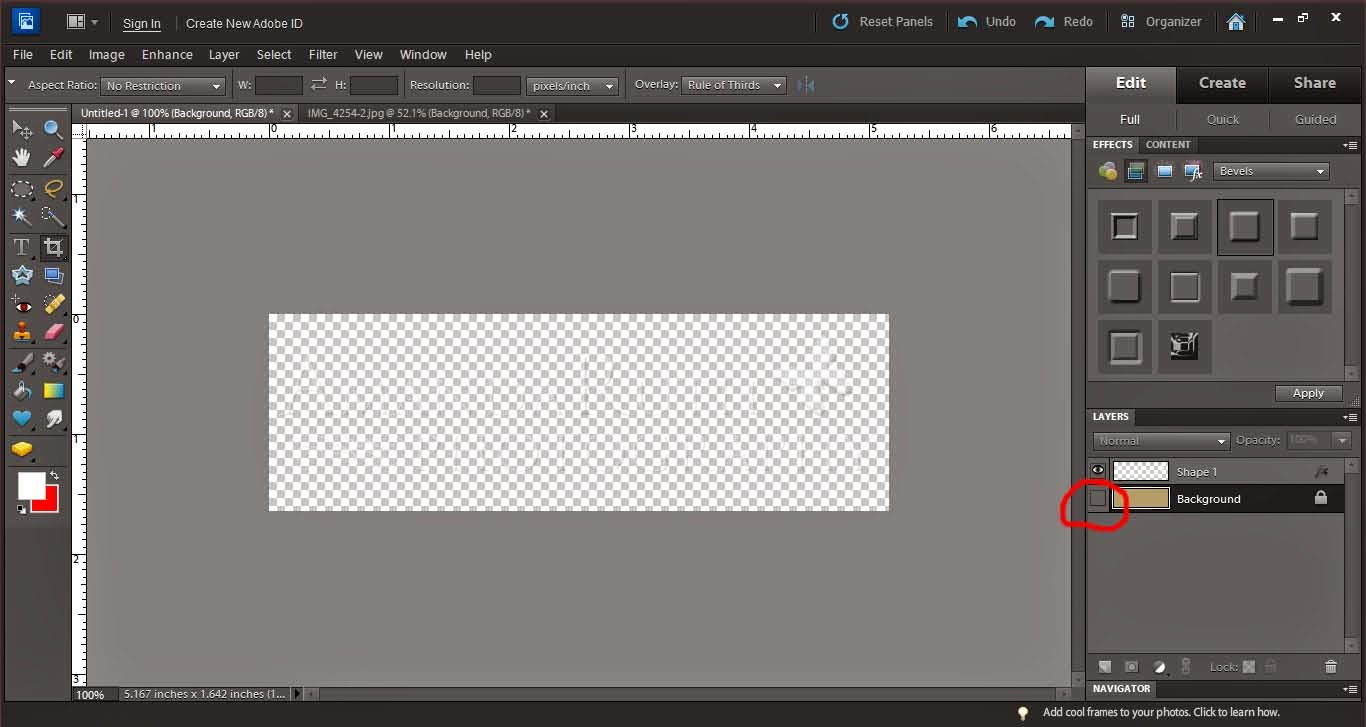
Then, hide the background layer (deselect the eye in the layer box). This will make your logo completely translucent.

Save your image as a PNG file.

When it gives you the PNG options, select “None.”

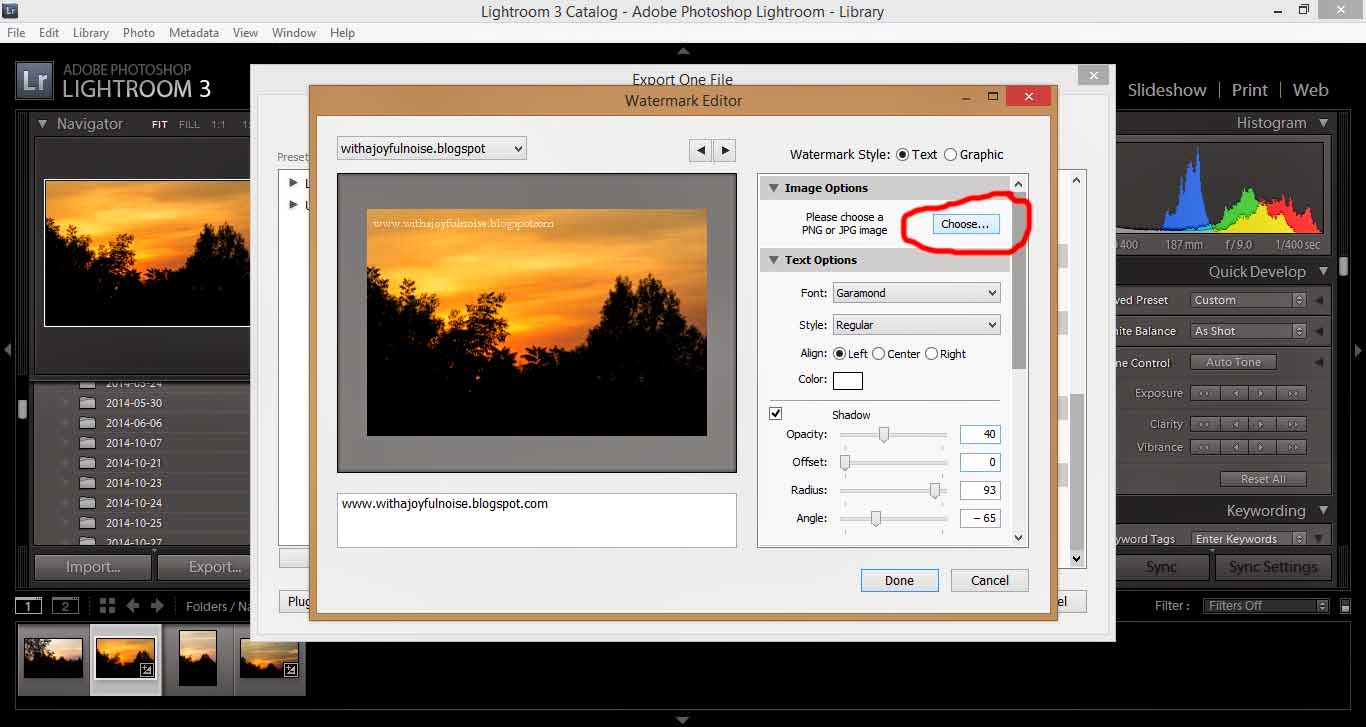
Now, back to Lightroom, go to the watermark window (same as when you made a simple logo). Under the first option, select “Choose.”

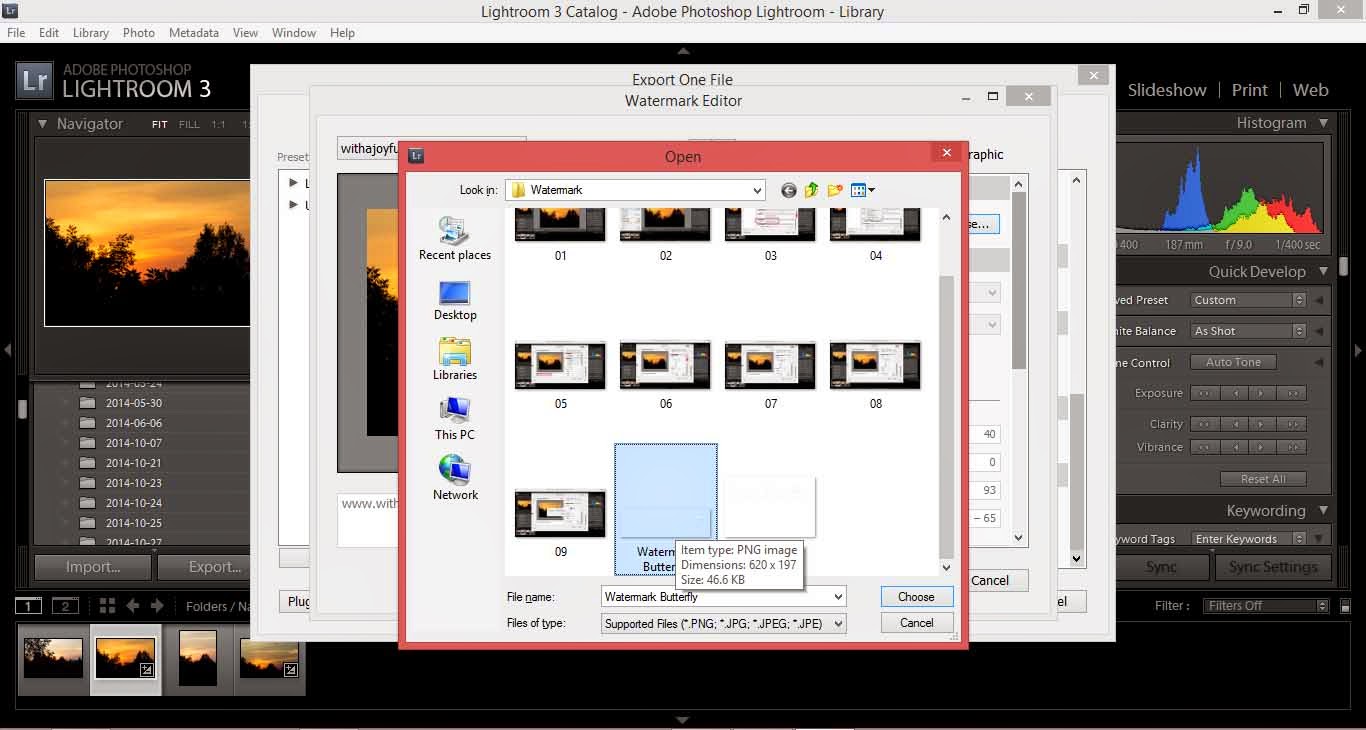
Open the PNG file that you just saved from Photoshop.

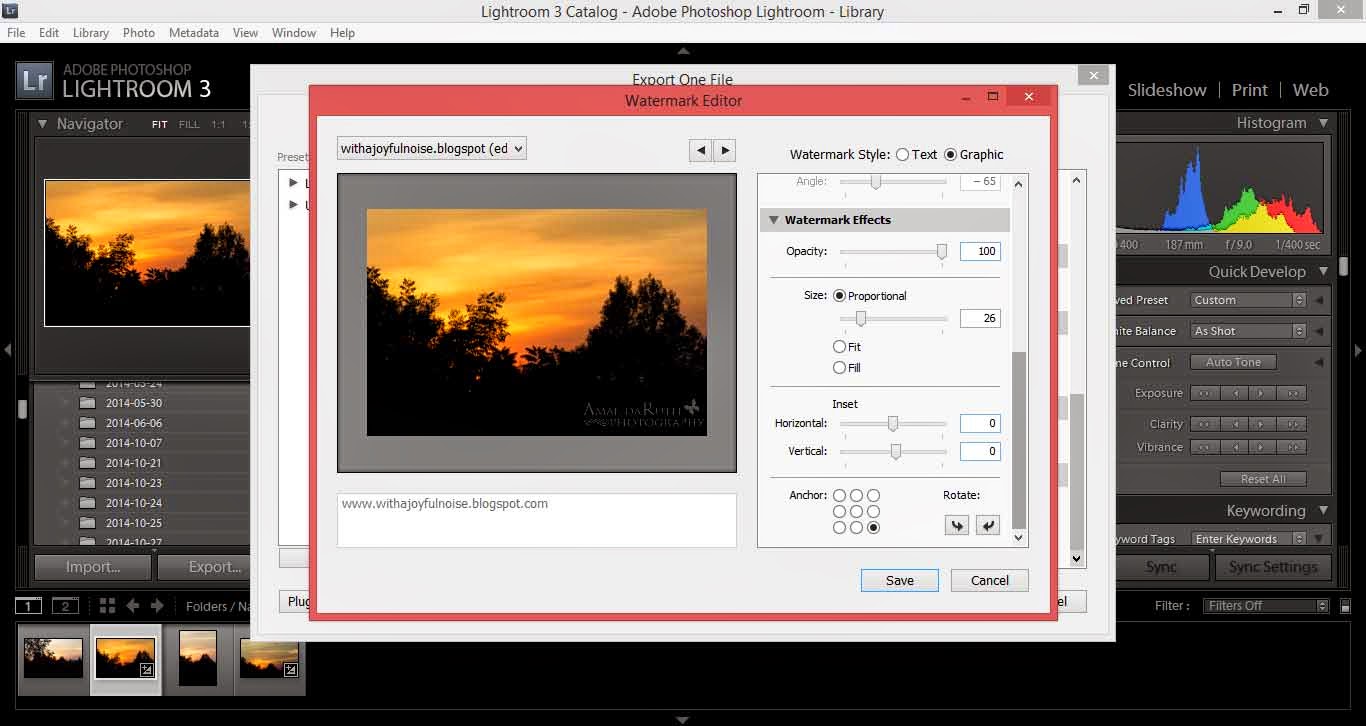
As with the simple watermark, you will need to play around with size and position until you get what suits you.

Save this as a new logo.

Export your picture (or hundreds of pictures) and there is your logo!

~*~*~
Casting down imaginations, and every high thing that exalteth itself against the knowledge of God, and bringing into captivity every thought to the obedience of Christ;ย 
(2 Corinthians 10:5)

Creating a Watermark with Lightroom

I’m gradually learning more and more in working with Adobe Photoshop Elements 10 and Adobe Lightroom 3 (both programs which I recommend for any photographer who is serious about their pictures). One of the “big things” right now with photographers is creating a watermark. You can do this easily in Lightroom if you are just looking for a simple watermark.
First, import your image to Lightroom.

After you have edited your picture, export your picture (under “file>export”).

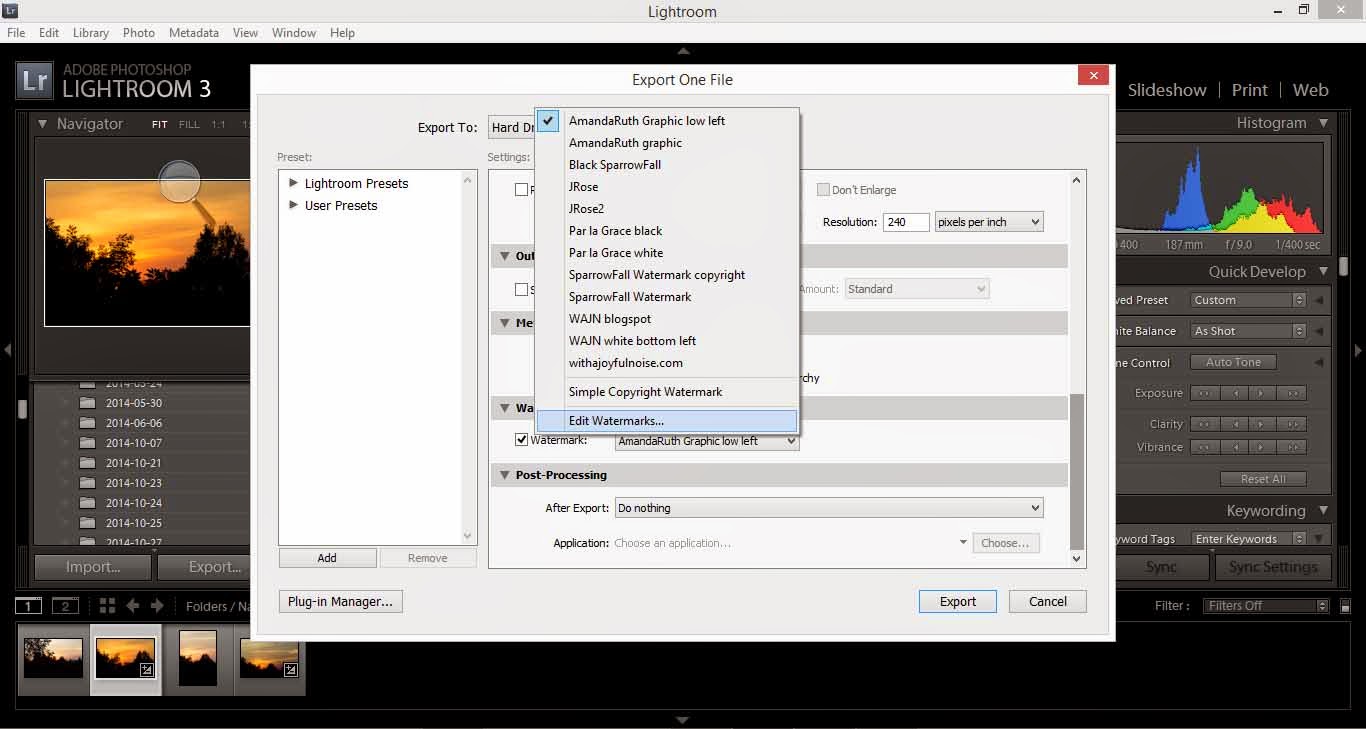
In the window that opens, you have various options. Scroll all of the way down until you see the option “Watermarking.”

You will ย need to create a new watermark (or, if you have a watermark already – like I do – click to edit watermarks at the very bottom).

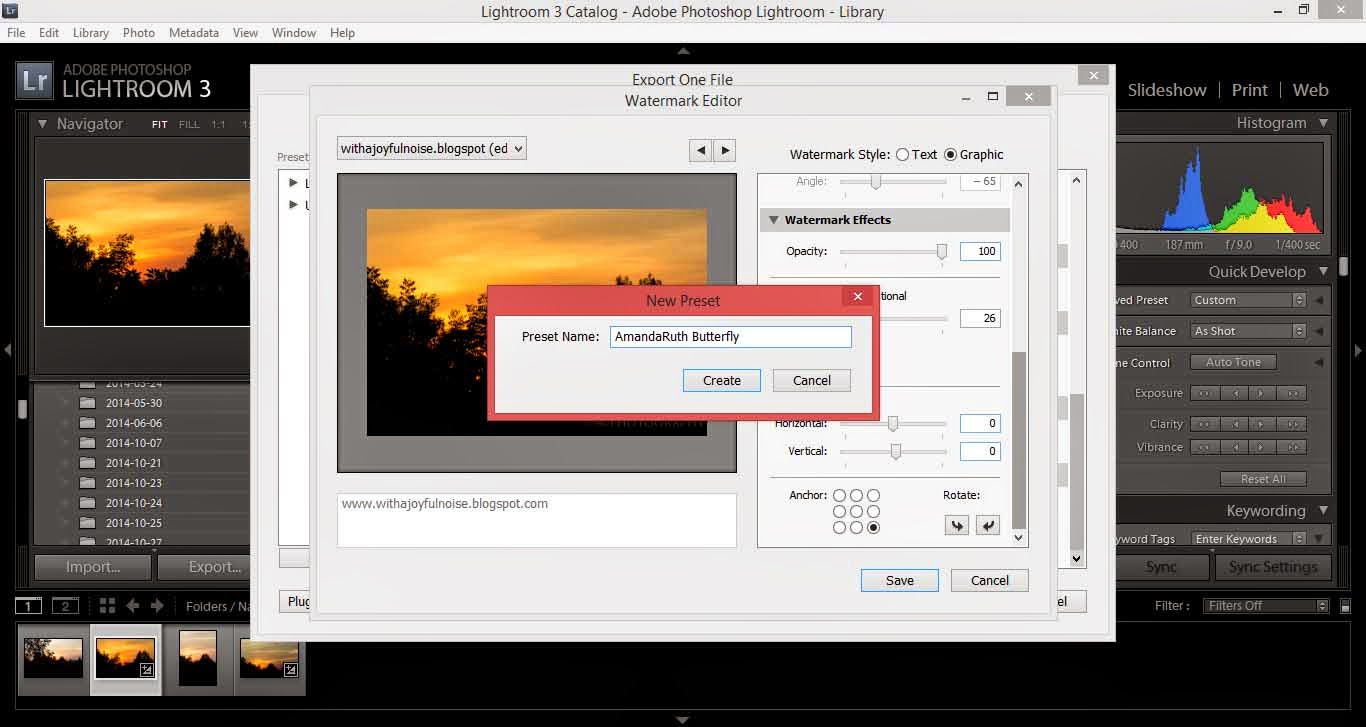
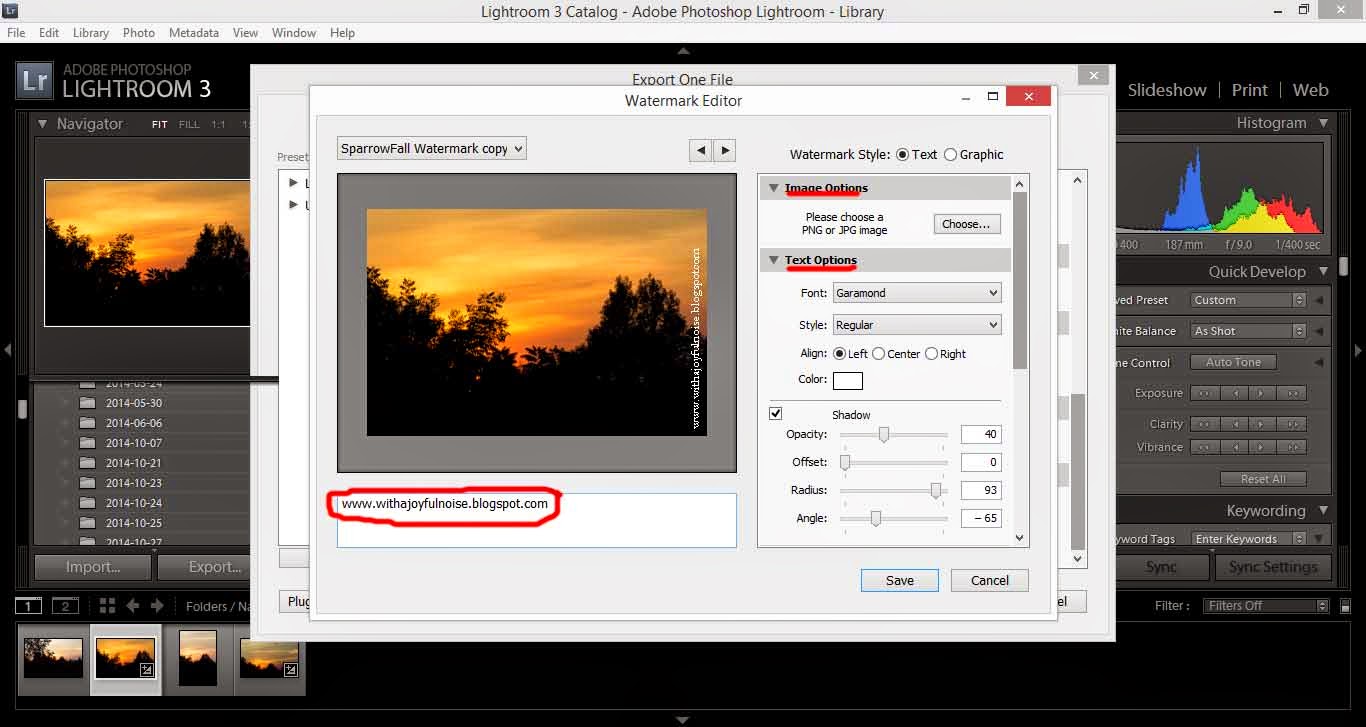
A new window will open. Notice that I circled the place where you will type in your watermark. I did “www.withajoyfulnoise.blogspot.com”

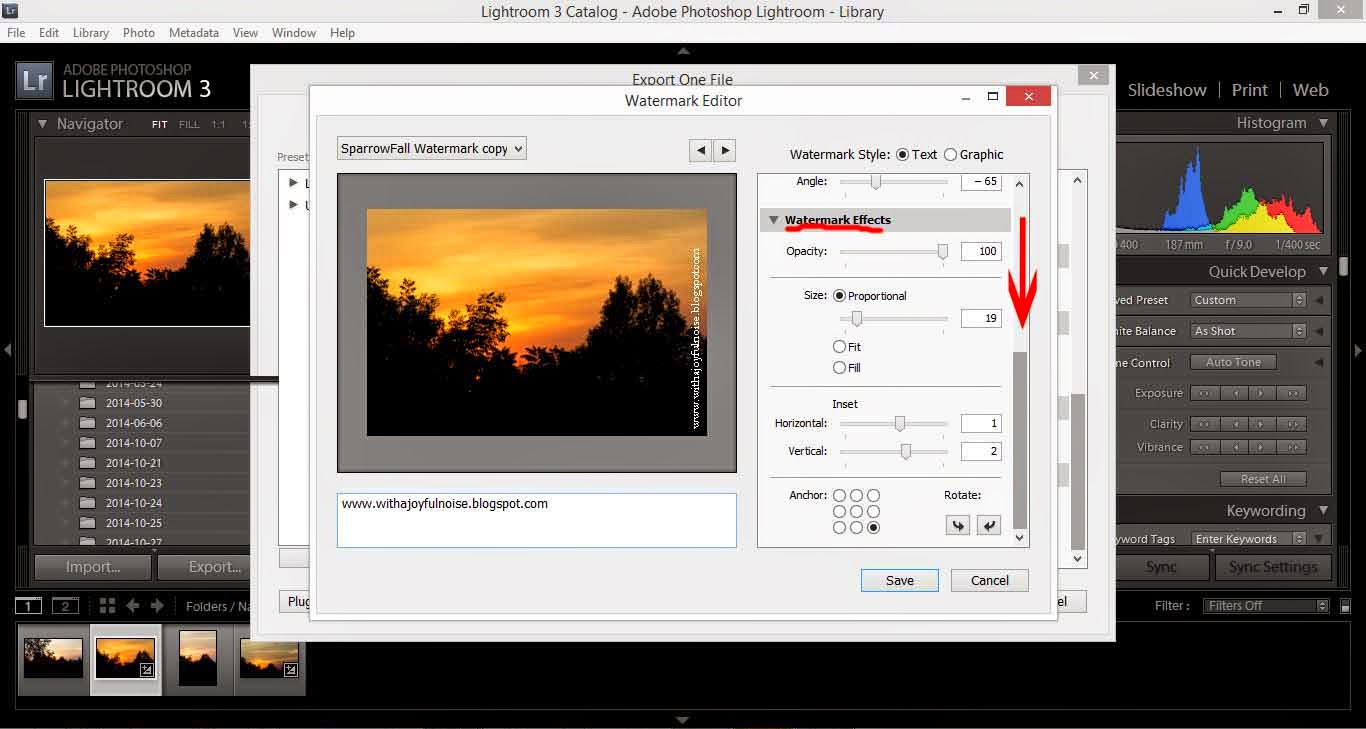
On the right, notice that you have various options: Image options (if you want to get advanced and have a logo instead of text), Text options (where you can select different fonts, styles, etc.) and if you scroll down . . .

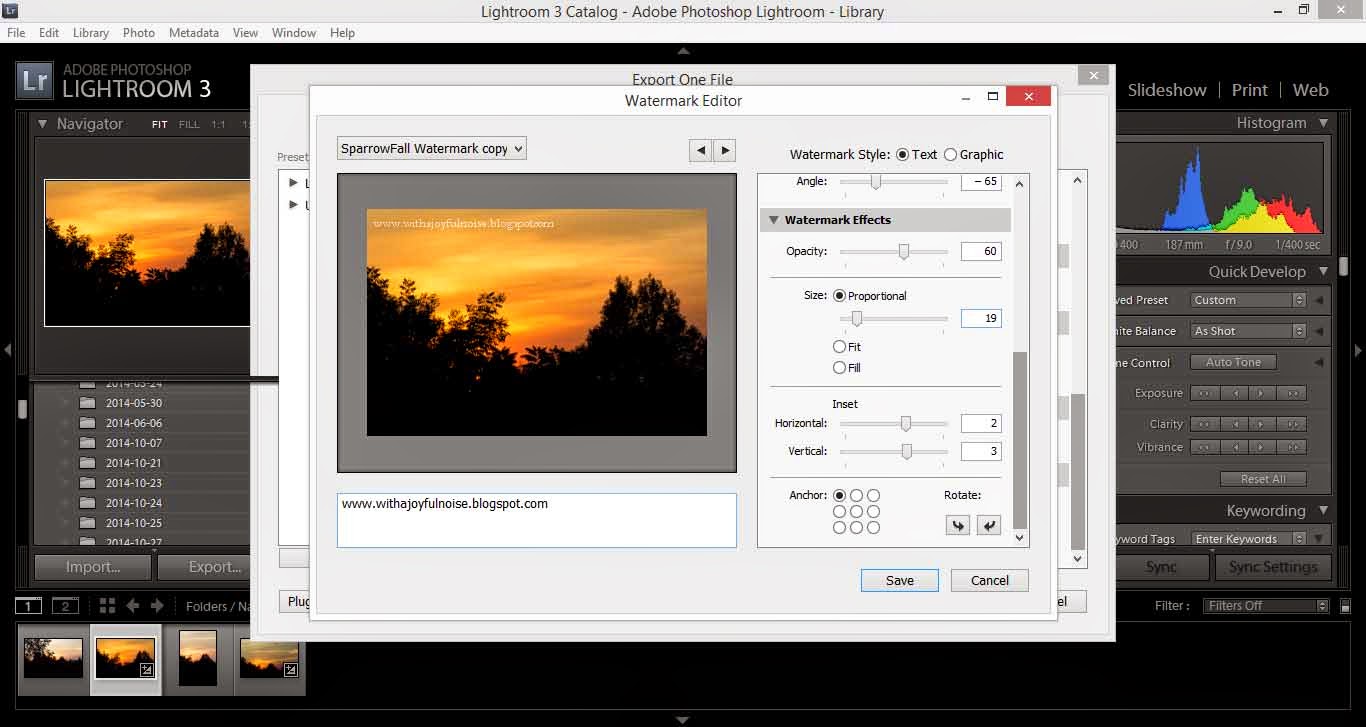
. . . you will notice Watermark Effects (opacity, layout, etc.).

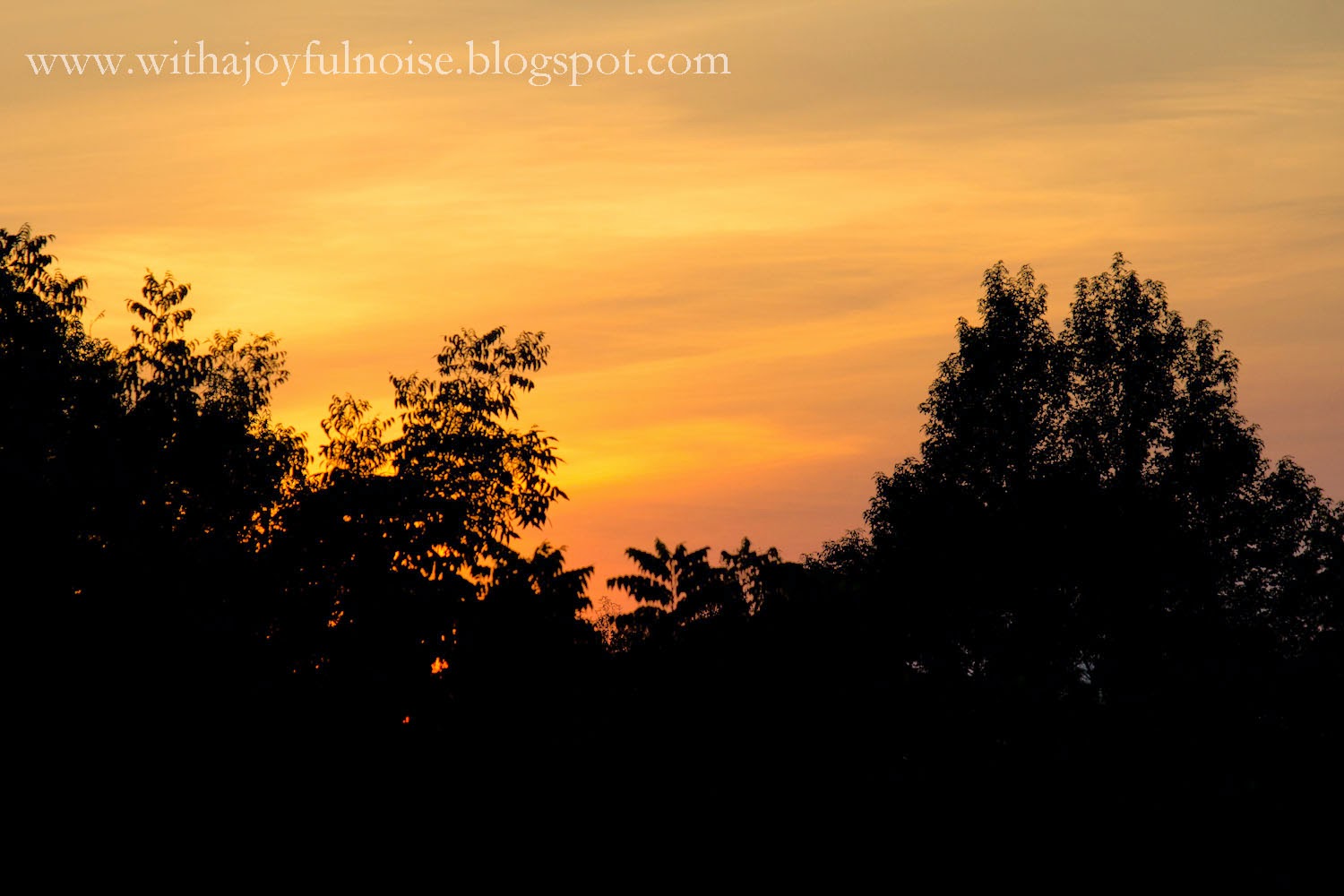
From here, you will play around with your watermark until you have placed it where you like, have it large or small enough, and so on. Just play around with it.

When it looks pretty, select “save.” It will pop up with a screen for you to title your watermark – this makes it easier the next time you decide to watermark you pictures: it will be there, ready and waiting.

Export your picture as usual and there you have it! Your picture has its watermark!

~*~*~
“Now the end of the commandment is charity out of a pure heart, and of a good conscience, and of faith unfeigned:” (1 Timothy 1:5)

A Couple of Random Pictures . . .

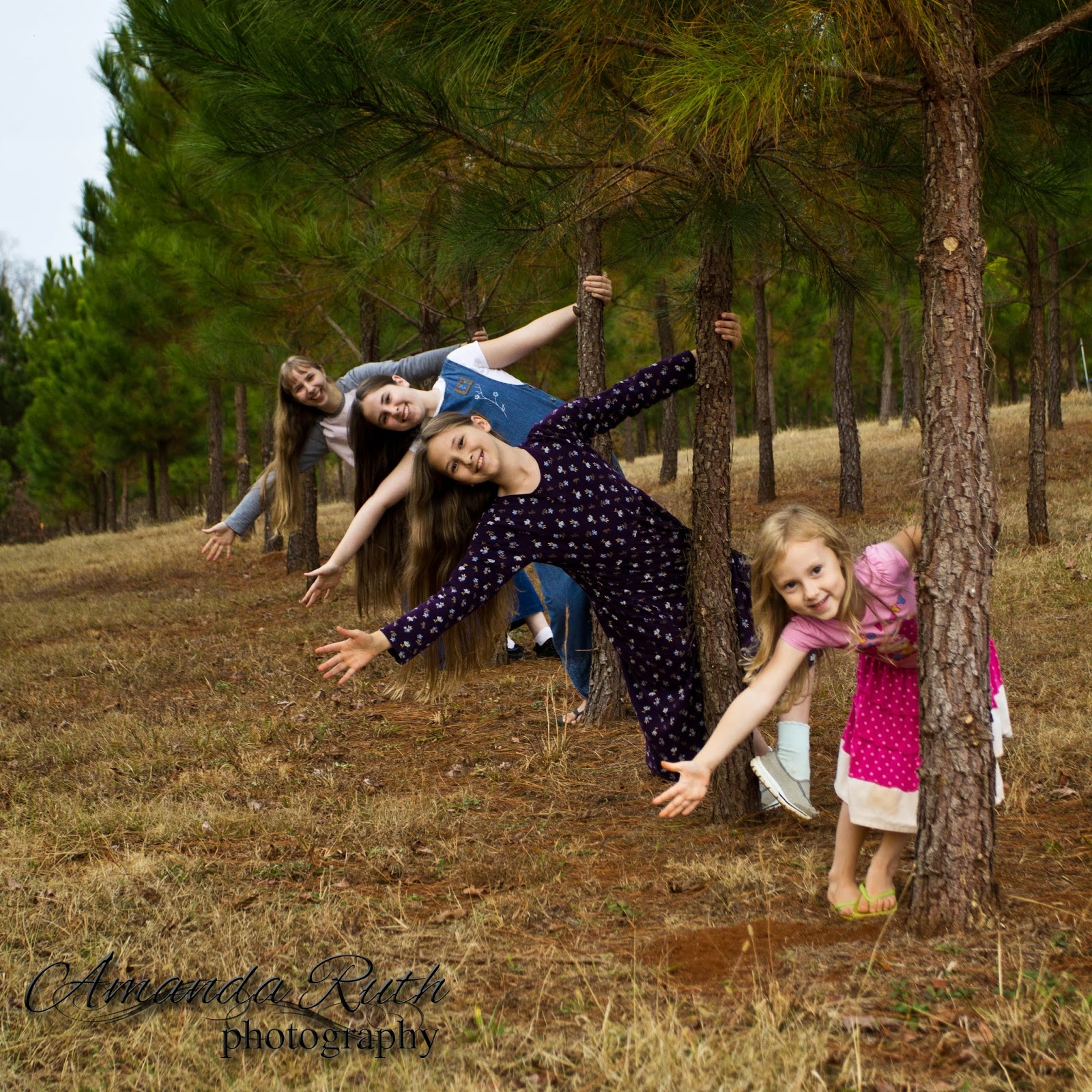
I didn’t have much time to play with new photoshoots last week (and if you noticed, didn’t post on Friday due to being away from my computer), but here are a couple of pictures that I took in the beginning of December that I just got around to editing. With these pictures, I played around with cropping – because sometimes a fun crop makes the picture pop.
For example, the picture of us friends . . .
This was taken with a wide-angle lens so you see the whole angle of sky and ground. And it gives it a neat look as a 4×6. However, crop it as a 4×3 and you see:
Your eyes are instantly drawn to the people and not the surroundings (after all, if I wanted a picture of the ground, field, and sky, I could have easily done so without the people). I personally like this crop better (or perhaps I have just “discovered” my new favorite crop and like it in many different pictures :)).
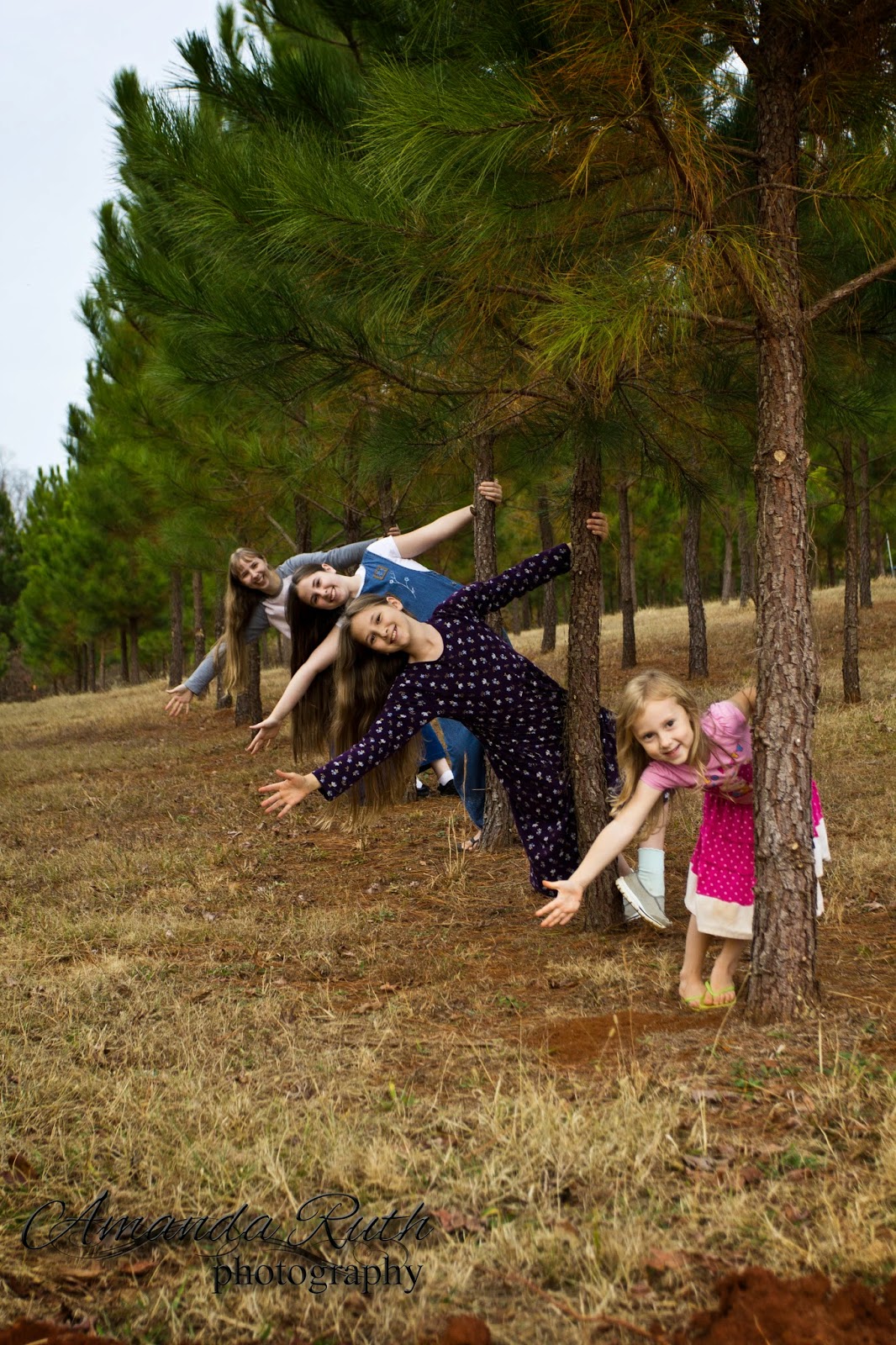
And the picture of my sisters (credit my friend Julia for the cute pose idea – I just sneaked beside her and snapped my own picture ;)) . . .
When cropped to a square, you again are less distracted by the excess of trees and ground.

Have you played around with cropping recently? What has been your favorite experiment?ย 
And for those of you who have been bugging me about more photoshoots, I took another sister out on a photoshoot this afternoon. Come back Friday to see who my newest captive was. ๐Ÿ˜‰
~*~*~
“Remember that thou magnify His work, which men behold.” (Job 36:24)

Make a Joyful Noise (Behind-the-Scenes)

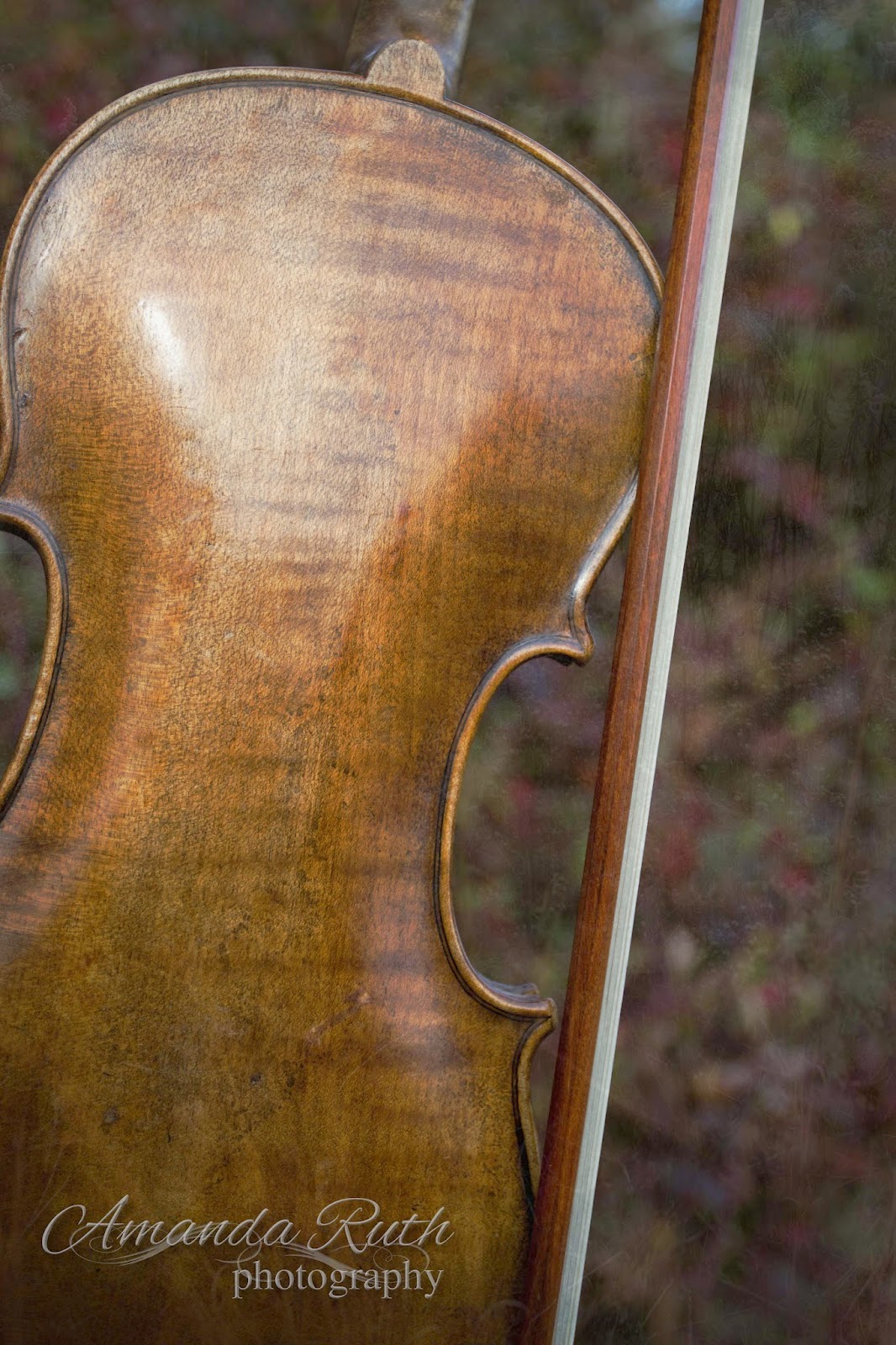
Psalm 100 is evidently one of my favorite passages in God’s Word that speaks of music. Today, I took the first verse and added it to a violin picture that I took.

I played around with some layering and thought I’d give you a little behind-the-scenes.
(Disclaimer: I don’t claim to be a layer master so if you know of something I did wrong, don’t hesitate to show me a simpler way)

Program: Photoshop Elements 10

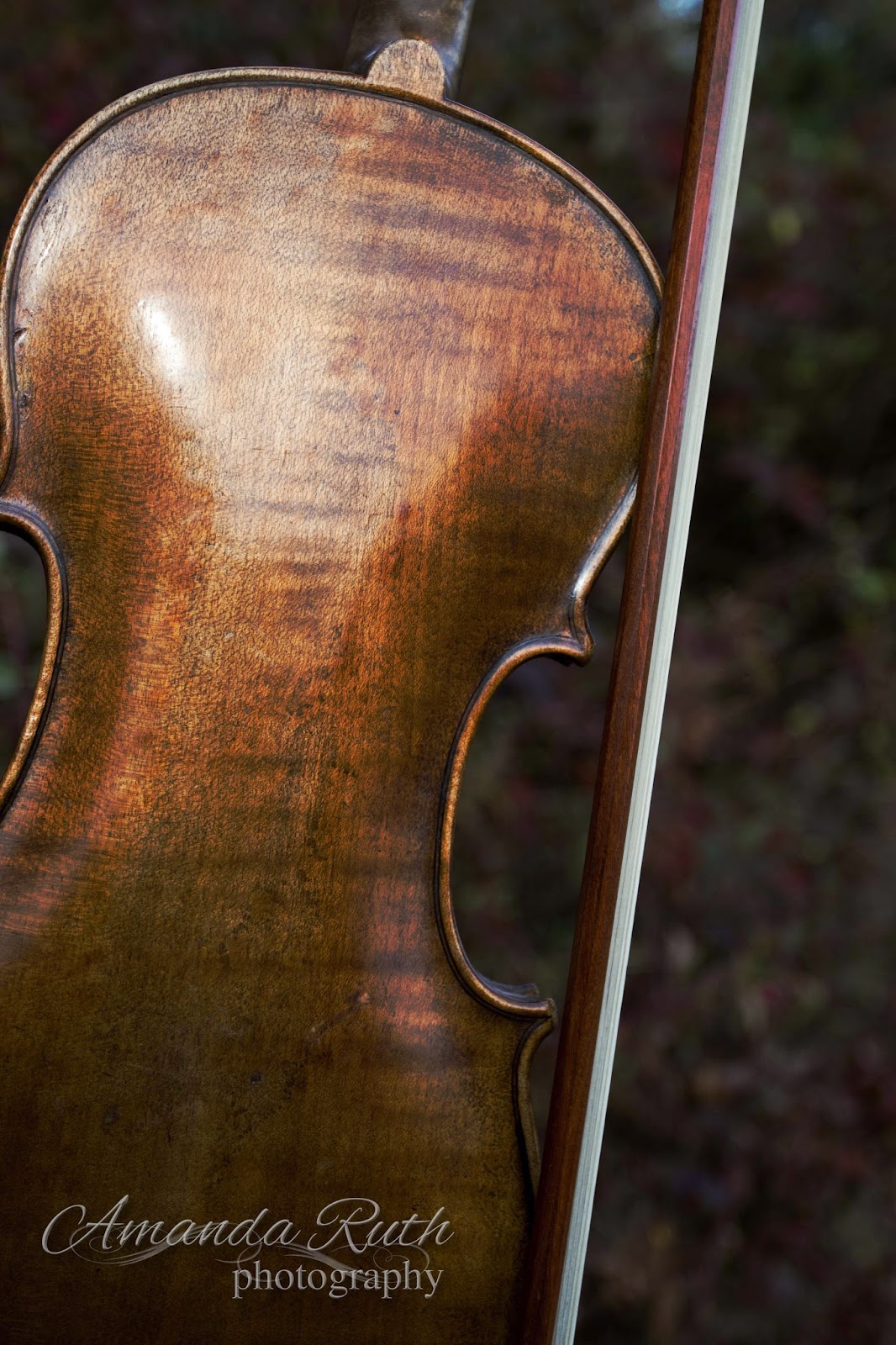
First Layer: Violin
Of course, I began with the violin! ๐Ÿ™‚ I lightly edited the image in Photoshop Elements 3, particularly upping the contrast. So, here is the almost-original image:

Second Layer: Blue
Next, I created a blue fill layer (color: 5c687a).
{Layer > New Fill Layer > Mode: Color Burn > Color 5c687a}


I set the opacity for this layer to 50%. This is what it did to the violin image:

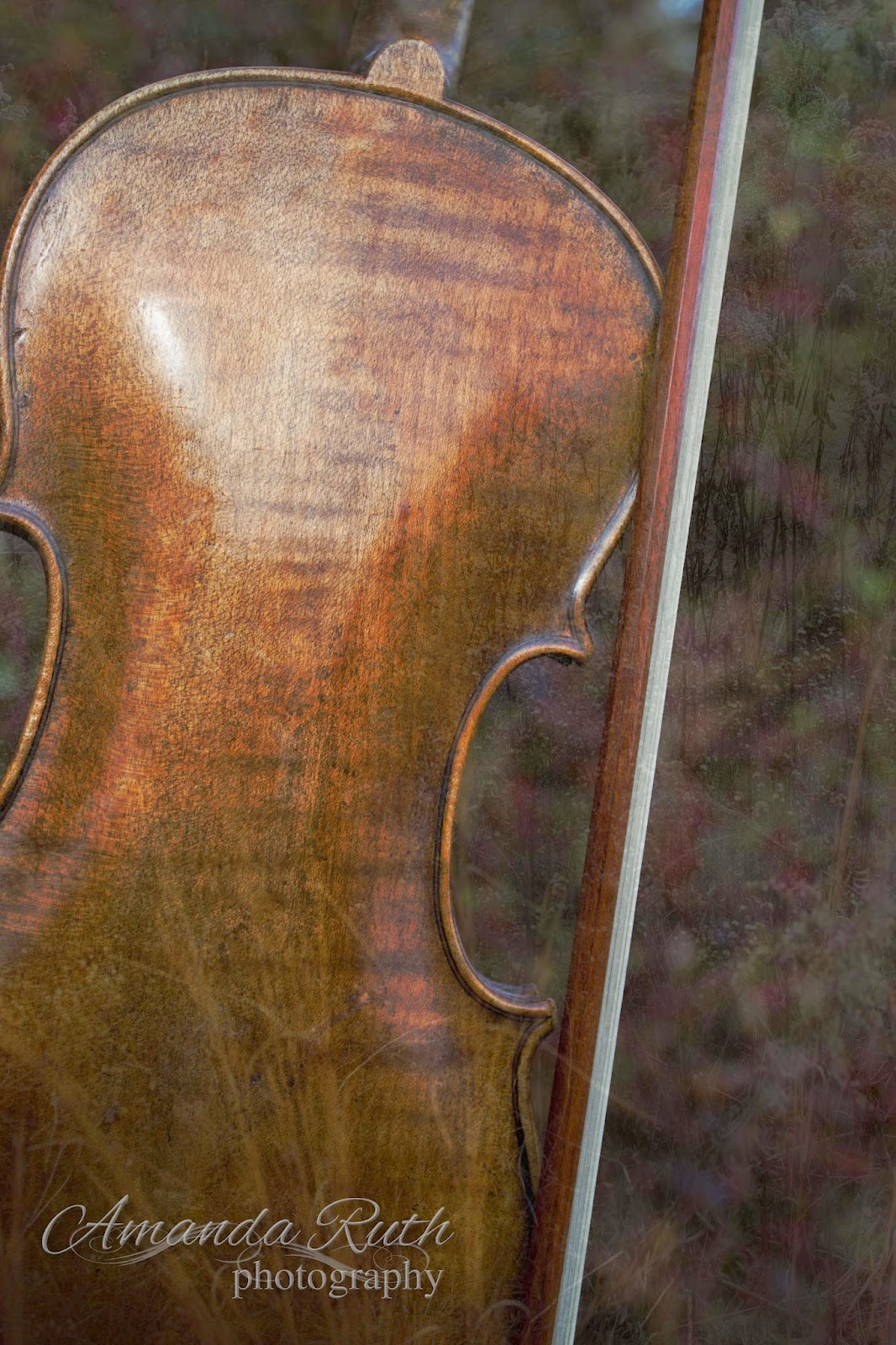
Layer 03: Grass
I selected another image I had taken of simple weeds.

For this layer I selected opacity 15% just to give it that hint of texture. Not much.
Layer 04: Green Difference Clouds
Then I created a new layer with difference clouds.
{Layer > New Fill Layer > Color:ย 858142 – with that layer: Filter > Render > Difference Clouds}
This is what I got:ย 

Again, I chose the opacity to be 15% (if you can’t tell by now, I like just the tiniest hints of change)
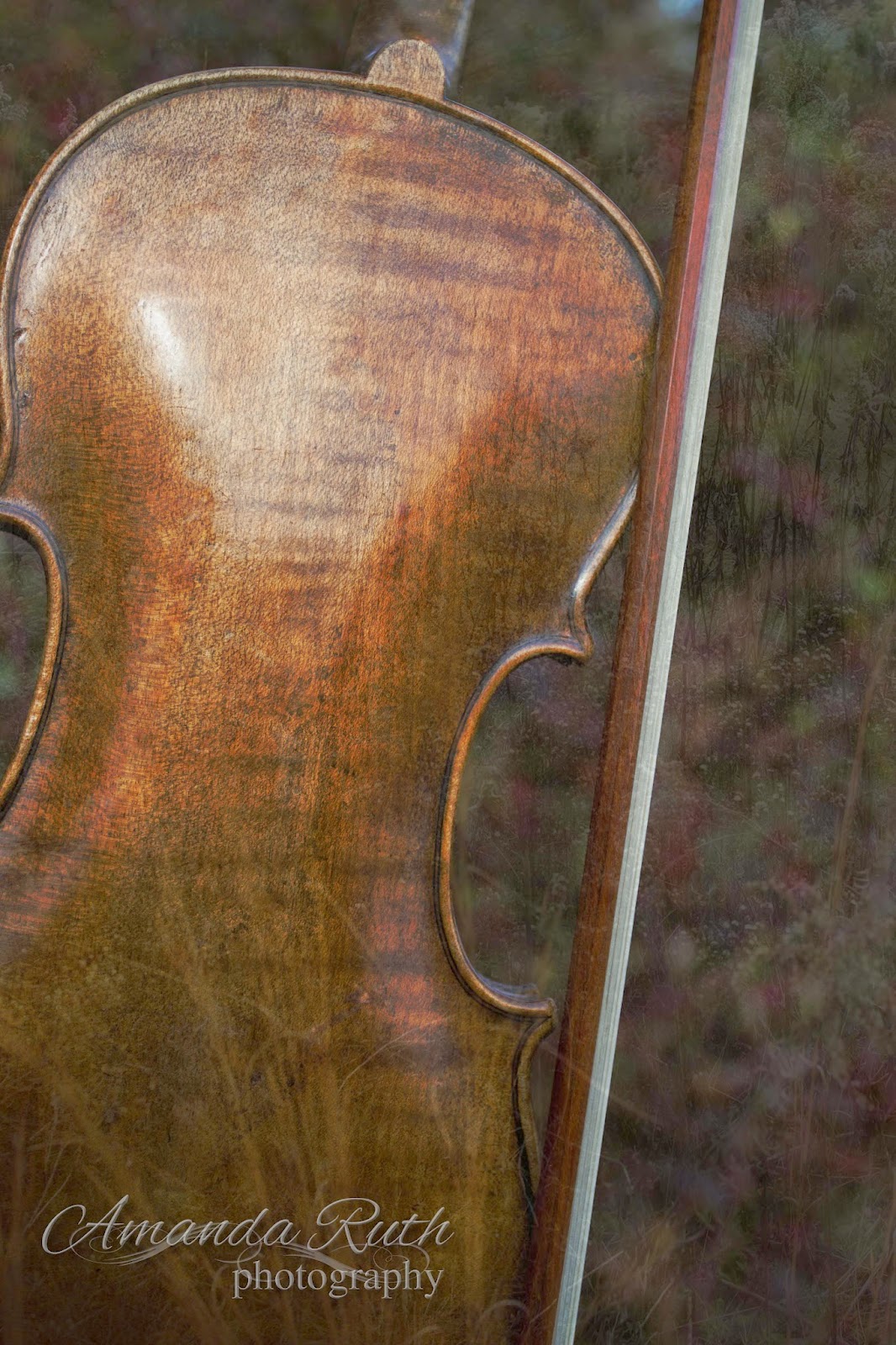
Layer 05: Another Violin
This is probably not how you’re supposed to work Photoshop layers, but I decided that the image was a little darker than what I wanted so instead of working out the mathematics to lighten each layer, I just overlaid another violin picture: opacity 40%.
Layer 05: Text
The final step was adding the text. I used two fonts: Cardif (for the plain text) and Allura (for the fancy text). I played around with text styles (glow, simple sharp inner bevel, drop shadow) until I came up with the look I liked (yes, I could go more into detail, but it would seriously confuse you).
If you own Photoshop and haven’t played around with layers yet, I encourage you to give it a try! Don’t be scared to just click buttons (just observe what buttons you click so if you come up with something fantastic, you’ll know how to replicate it).