From With a Joyful Noise

Last wee, I announced 5 Pieces now available at WAJN.

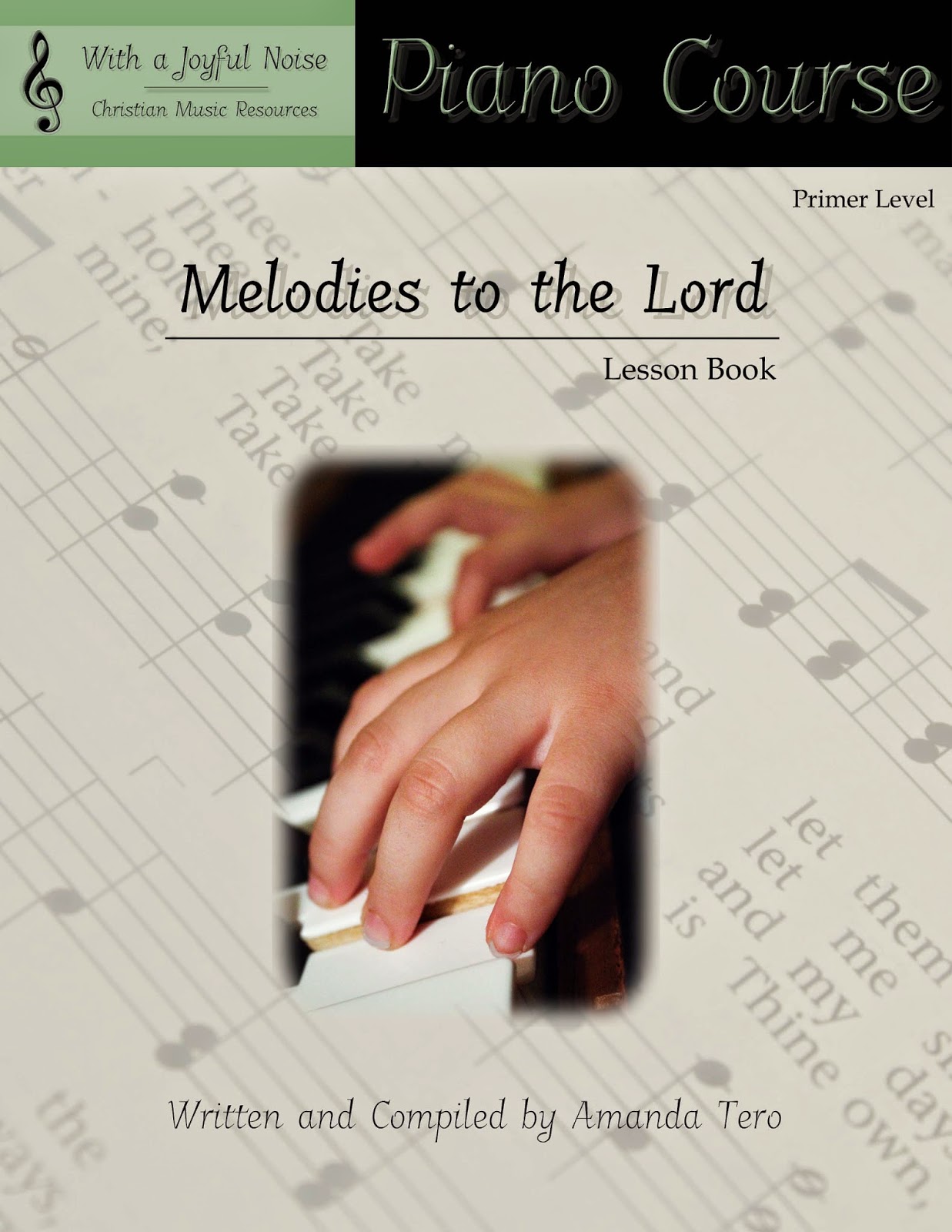
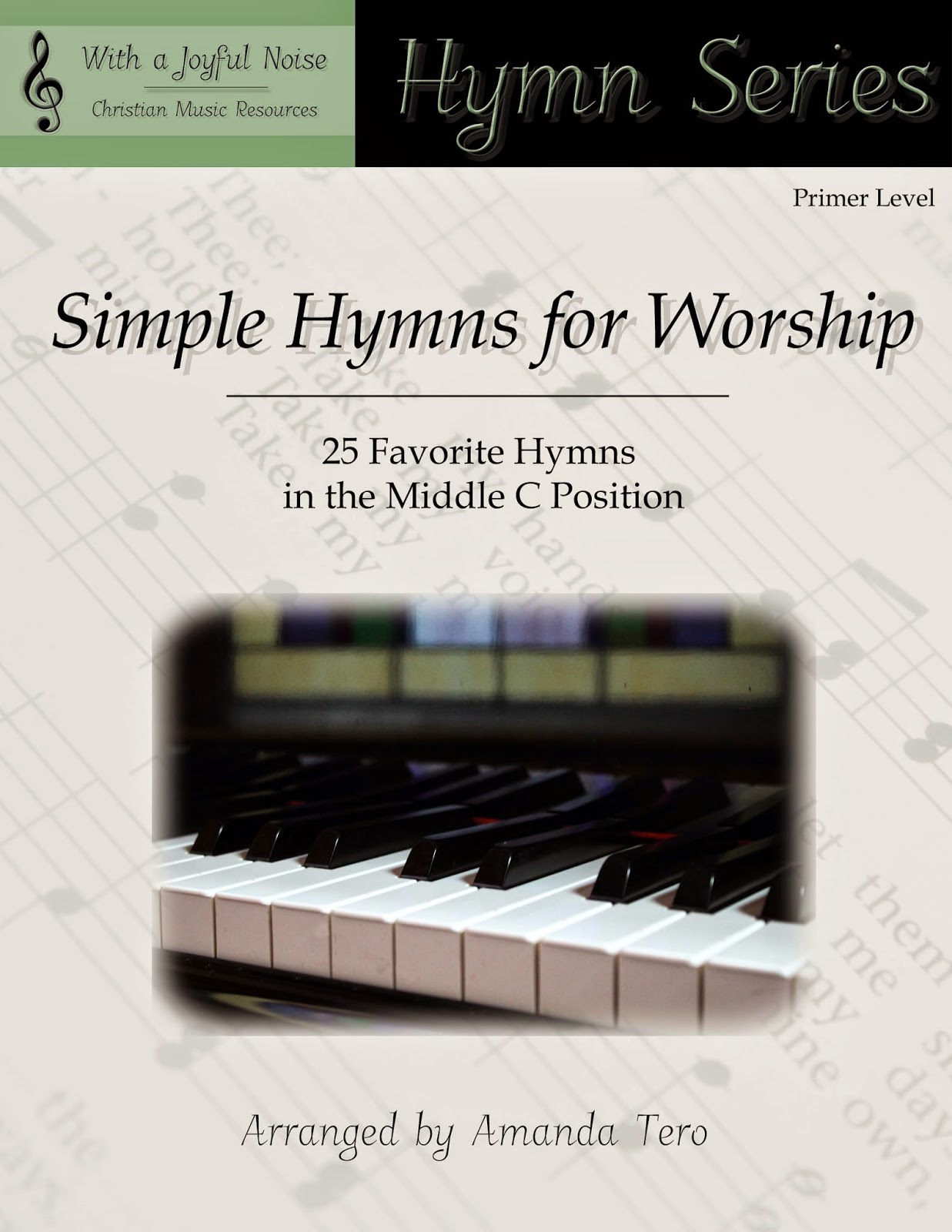
This week, I am so grateful to the Lord that He has allowed me to publish three more books for digital downloads!

Available for $6.95 as digital download
Available as $4.95 as digital download

Available for $5.95 as digital download

Visit our Digital Store for more details.

And, if you think about it, pray for me as I look into printing these in the next month!

Make a Joyful Noise (Behind-the-Scenes)

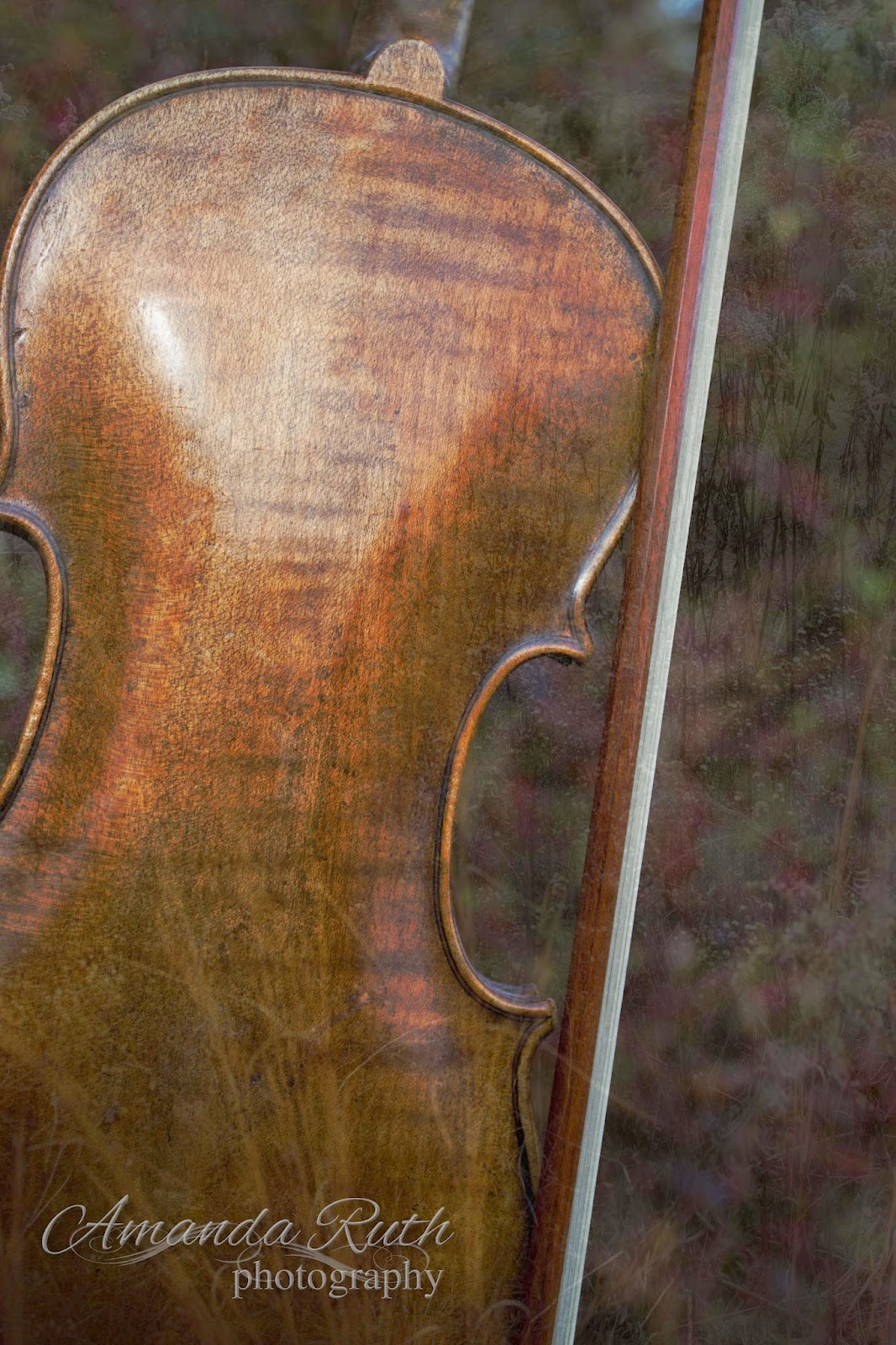
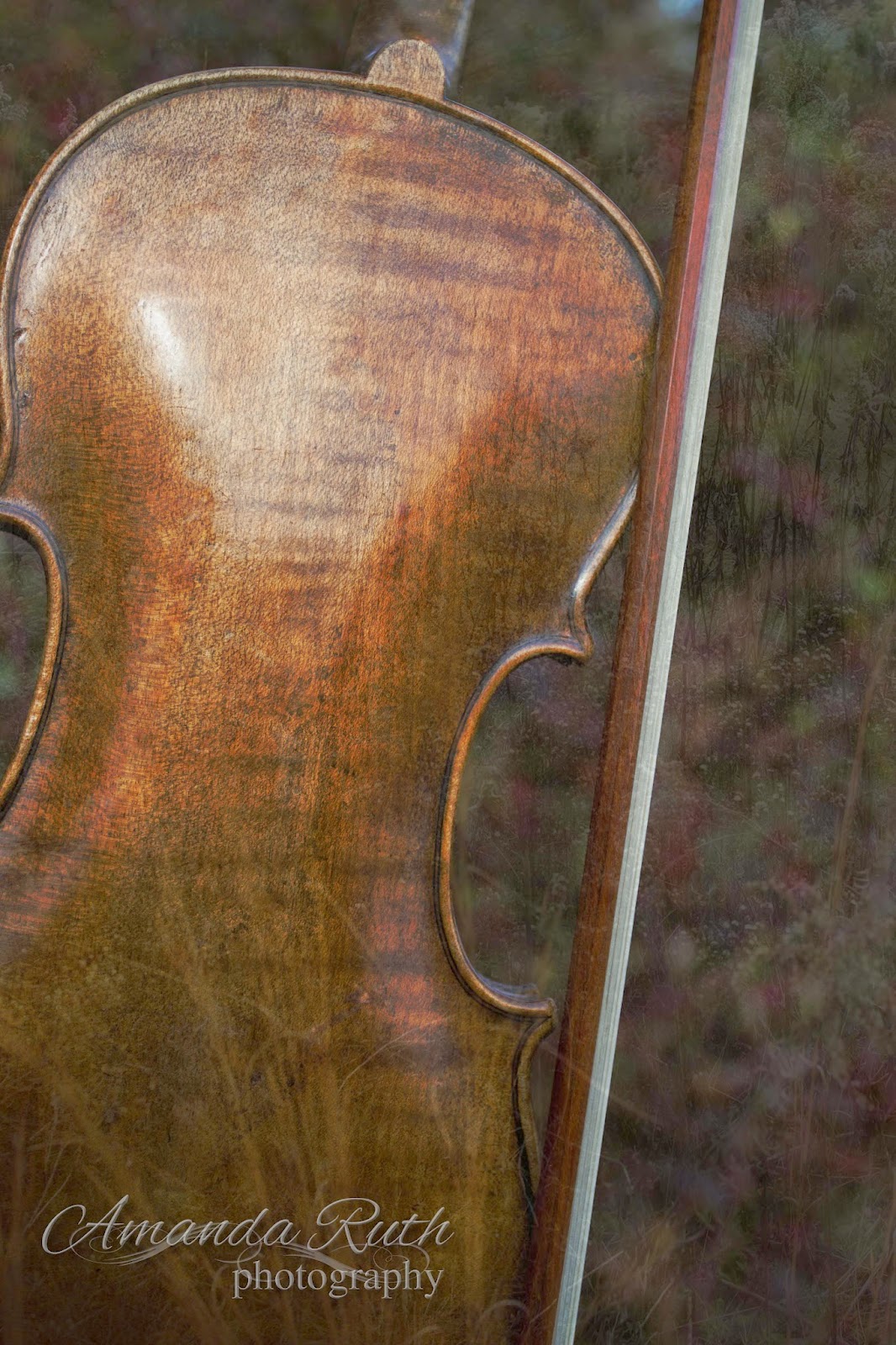
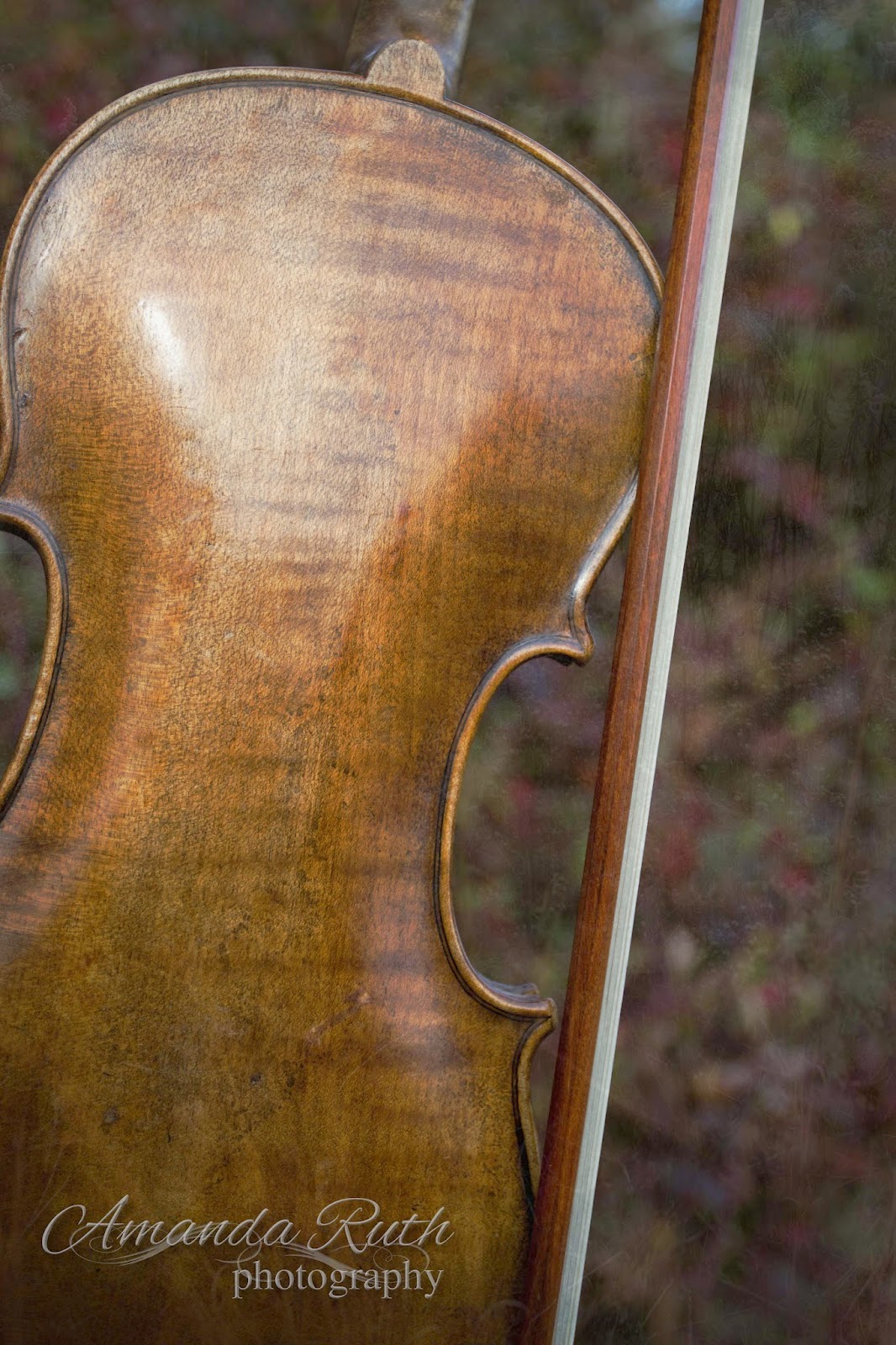
Psalm 100 is evidently one of my favorite passages in God’s Word that speaks of music. Today, I took the first verse and added it to a violin picture that I took.

I played around with some layering and thought I’d give you a little behind-the-scenes.
(Disclaimer: I don’t claim to be a layer master so if you know of something I did wrong, don’t hesitate to show me a simpler way)

Program: Photoshop Elements 10

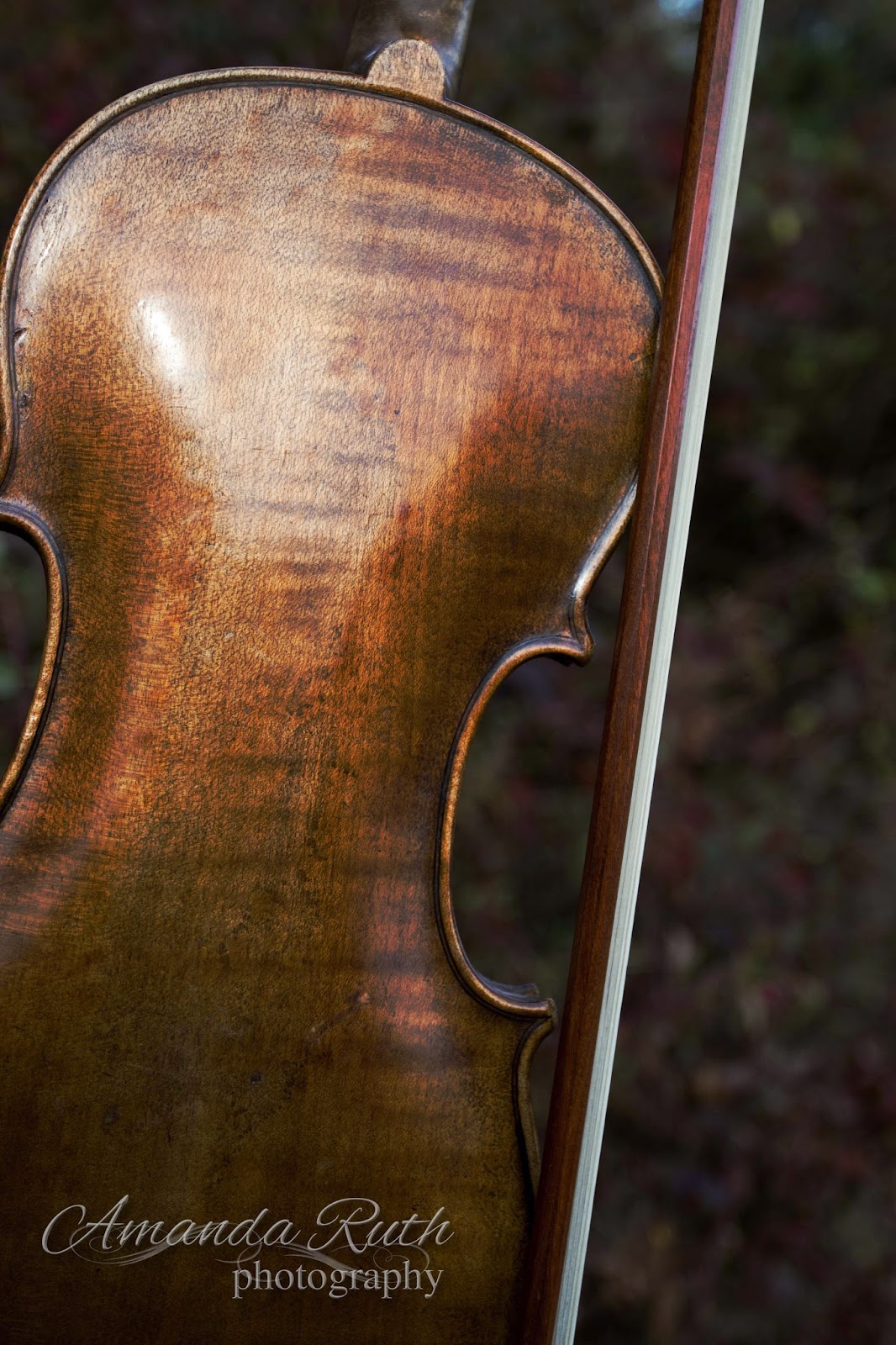
First Layer: Violin
Of course, I began with the violin! 🙂 I lightly edited the image in Photoshop Elements 3, particularly upping the contrast. So, here is the almost-original image:

Second Layer: Blue
Next, I created a blue fill layer (color: 5c687a).
{Layer > New Fill Layer > Mode: Color Burn > Color 5c687a}


I set the opacity for this layer to 50%. This is what it did to the violin image:

Layer 03: Grass
I selected another image I had taken of simple weeds.

For this layer I selected opacity 15% just to give it that hint of texture. Not much.
Layer 04: Green Difference Clouds
Then I created a new layer with difference clouds.
{Layer > New Fill Layer > Color: 858142 – with that layer: Filter > Render > Difference Clouds}
This is what I got: 

Again, I chose the opacity to be 15% (if you can’t tell by now, I like just the tiniest hints of change)
Layer 05: Another Violin
This is probably not how you’re supposed to work Photoshop layers, but I decided that the image was a little darker than what I wanted so instead of working out the mathematics to lighten each layer, I just overlaid another violin picture: opacity 40%.
Layer 05: Text
The final step was adding the text. I used two fonts: Cardif (for the plain text) and Allura (for the fancy text). I played around with text styles (glow, simple sharp inner bevel, drop shadow) until I came up with the look I liked (yes, I could go more into detail, but it would seriously confuse you).
If you own Photoshop and haven’t played around with layers yet, I encourage you to give it a try! Don’t be scared to just click buttons (just observe what buttons you click so if you come up with something fantastic, you’ll know how to replicate it).

Bow the Knee (Tero Family video)

Here is another video we took at the Bible conference. My sister, Elizabeth, is singing “Bow the Knee.” The words are amazing – if you have a few minutes, please listen!

By way of testimony, this past Sunday, our family was blessed to sing at Lanier Baptist Church in Baton Rouge, LA. We had an amazing time with this church! Such a sweet, sweet spirit! We sang about eight songs and then Pastor Mike brought a message from Philippians 2. We had already been asked to sing a song for invitation and had decided upon “Bow the Knee.” As I sat there, listening to Bro. Mike reading through and expounding on Philippians 2, I was again amazed at how God worked. Before we knew what the message was, He laid it on our hearts to have a song which so beautifully fit in with the message. I’ll never stop being amazed at how God works!

~*~
“Wherefore God also hath highly exalted him, and given him a name which is above every name: That at the name of Jesus every knee should bow, of things in heaven, and things in earth, and things under the earth; And that every tongue should confess that Jesus Christ is Lord, to the glory of God the Father. Wherefore, my beloved, as ye have always obeyed, not as in my presence only, but now much more in my absence, work out your own salvation with fear and trembling.”
 Philippians 4:9-12

People Need the Lord

This past week, my family and I had an extremely blessed time at our local Bible Conference. We worked up a few new songs for the week. Here is one of them: ever hear “People Need the Lord” with banjo? It actually works! 😉

Vocalists: Amanda (tenor), Elizabeth (soprano), Joanna (alto)
Instrumentalists: Samuel (bajo), Timothy (bass guitar), Rebecca (classical guitar)

Some Songs for Your Day

I almost never share videos, but here are a couple of songs that have recently been introduced to me and I think the messages are amazing.

For those of you who know my family, we’re actually working on our own rendition of “In Christ Alone.” If we ever get it videod, I might have to share that, too. 🙂

Take My Life . . .


Take my life, and let it be
Consecrated, Lord, to Thee;
Take my moments and my days,
Let them flow in ceaseless praise,
Let them flow in ceaseless praise.
Take my hands, and let them move
At the impulse of Thy love;
Take my feet and let them be
Swift and beautiful for Thee,
Swift and beautiful for Thee.
Take my voice, and let me sing
Always, only, for my King;
Take my lips, and let them be
Filled with messages from Thee,
Filled with messages from Thee.
Take my silver and my gold;
Not a mite would I withhold;
Take my intellect, and use
Every power as Thou shalt choose,
Every power as Thou shalt choose.
Take my will, and make it Thine;
It shall be no longer mine.
Take my heart; it is Thine own;
It shall be Thy royal throne,
It shall be Thy royal throne.
Take my love; my Lord, I pour
At Thy feet its treasure-store.
Take myself, and I will be
Ever, only, all for Thee,
Ever, only, all for Thee.
(Words by Frances Ridley Havergal)
What am I holding back from God? Can I truthfully sing, “Take me, Lord, let it be as You please?”